
Spreadsheets vs Apps vs Bank Tools - Where to Track Money
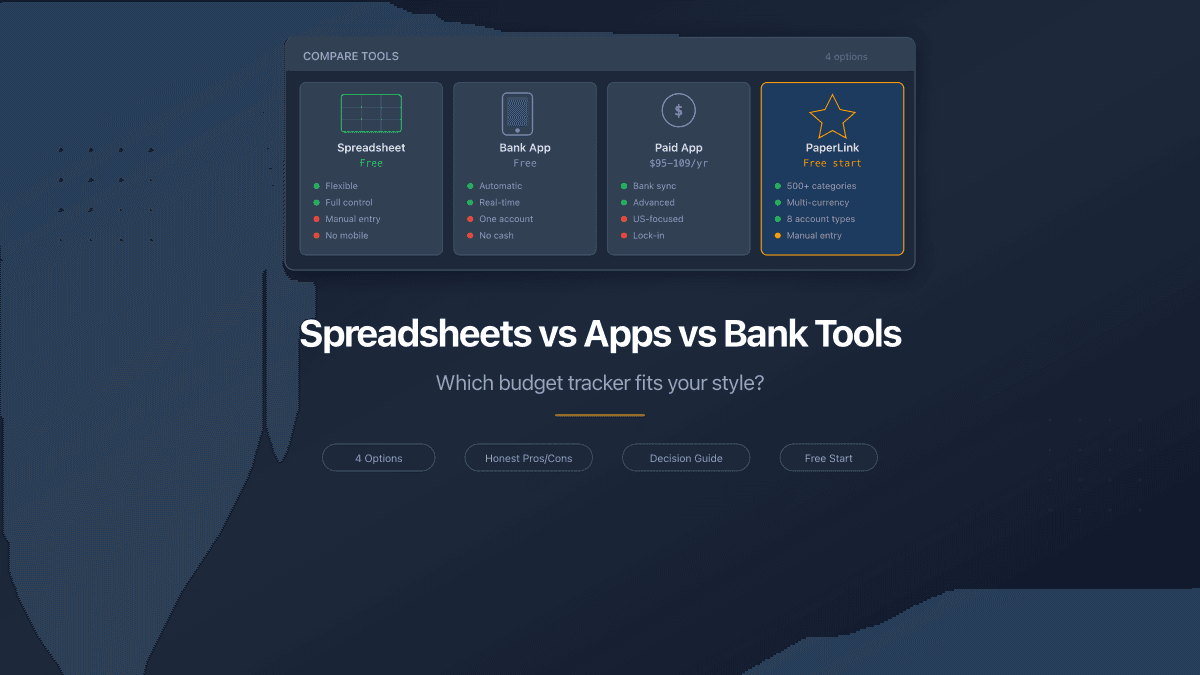
Every person who tracks their spending lands on one of four tools: their bank's built-in analytics, a spreadsheet, a paid budget app, or a free web-based tracker. Each has real strengths. Each has deal-breaking weaknesses for certain people. The right choice depends on how you manage money, not on which tool has the most features.
This is not a "best budget app" ranking. It is a decision framework. We will be honest about every option - including PaperLink, which is the tool we build.
Bank Apps: Already There, Already Limited
Examples: Chase, Revolut, Wise, N26, Monzo
Your bank app is the path of least resistance. Transactions appear automatically. Categories are assigned. You open the app you already have and see where last month's money went.
What bank apps do well:
- Zero setup. Transactions categorize themselves.
- Real-time balance and spending alerts.
- Already installed on your phone.
Where they stop:
Bank apps show one account. If you have a checking account, a savings account, and a credit card at different banks, you see three separate pictures and no combined view. Cash spending is invisible. Transfers between your own accounts look like expenses. And the category logic is the bank's, not yours - a Costco purchase might land under "Shopping" when it was groceries.
Most bank apps also lack forward-looking tools. They show you where money went, but not where it should go. No budget targets, no category limits, no savings goals.
Bank apps work best as a complement, not a replacement. Use them for alerts and real-time balances, but track your full picture somewhere else.
Spreadsheets: Total Control, Total Effort
Tools: Google Sheets, Excel, Notion databases
Spreadsheets give you absolute freedom. Build any structure you want. Add formulas for running totals, category percentages, monthly comparisons, pivot tables. No subscription, no feature limits, no one else's design decisions.
What spreadsheets do well:
- Completely customizable structure and formulas.
- Free (Google Sheets) or included with Office (Excel).
- Full data ownership - your file, your rules.
Where they break down:
Manual entry is the cost of freedom. Every transaction requires opening the spreadsheet, finding the right tab, typing the date, amount, category, and notes. Most people maintain this discipline for three to six weeks before entries start slipping. By month three, the spreadsheet is two weeks behind and functionally useless.
Mobile editing is technically possible but painful. Typing numbers into cells on a phone screen is slow and error-prone. No autocomplete, no category dropdowns, no smart defaults.
Analysis requires spreadsheet skills. Building a chart that shows spending by category over time takes formulas most people cannot write from memory. Pivot tables are powerful but far from obvious for non-technical users.
The spreadsheet trap: People spend more time building and maintaining the spreadsheet than actually analyzing their spending. The system becomes the project instead of the tool.
Dedicated Budget Apps: Power at a Price
Examples: YNAB ($109/year), Monarch Money ($100/year), Copilot ($95/year), Rocket Money (free tier + premium)
After Mint shut down in March 2024, the paid budget app market consolidated around three main players. Each connects to your bank accounts, imports transactions automatically, and provides category-based reporting with budget targets.
What dedicated apps do well:
- Automatic bank sync - transactions appear without manual entry.
- Sophisticated budgeting methods (YNAB uses zero-based budgeting, Monarch offers flexible rules).
- Polished mobile apps with notifications and quick entry.
- Investment tracking alongside spending (Monarch, Copilot).
Where they fall short:
Price. $95-109 per year is $8-9 per month for budgeting software. For someone trying to save money, spending $100 annually on a tool to track savings creates an irony that is hard to ignore.
US focus. YNAB, Monarch, and Copilot are designed for American banking. Bank sync relies on Plaid or MX, which support US and Canadian institutions well but have limited coverage in Europe, Asia, and Latin America. If your bank is not supported, the app's main advantage disappears and you are paying premium prices for manual entry.
Data privacy. Bank sync requires sharing your banking credentials with a third-party aggregator. Your transaction history lives on someone else's servers. For some people this is a non-issue. For others - especially those in countries with less mature data protection laws - it is a dealbreaker.
Lock-in. Your budget history lives inside the app. If you stop paying, you lose access to years of data. Most apps offer CSV export, but the formatted reports, trends, and category structures do not come with you.
Before choosing a paid app, check whether your bank is supported for automatic sync. Without it, you are paying $100/year for manual entry with a nice interface - and there are free alternatives that do the same.
Web-Based Trackers: The Middle Ground
Example: PaperLink
Web-based trackers sit between spreadsheets and paid apps. They provide structure - pre-built categories, account management, analytics - without requiring bank credentials or a subscription to get started.
What PaperLink does:
- 29 expense category groups with 500+ subcategories across three levels, pre-configured from day one. No blank slate to fill.
- Eight account types - bank, cash, e-wallet, crypto, investment, loan, and more. Track everything in one place.
- Transfers between accounts tracked as a distinct transaction type. Moving money from your bank to your savings account does not inflate your expense total.
- Multi-currency support with exchange rate tracking. Run USD, EUR, and crypto accounts in the same workspace.
- Autocomplete that learns your patterns. After a few entries, recurring transactions need two keystrokes and a click.
- Category analytics showing where each dollar goes, filterable by date range, account, or category.
What PaperLink does not do (yet):
No automatic bank import. Every transaction is manual entry with smart autocomplete. This is a deliberate trade-off: no bank credentials shared, no third-party data aggregation, full privacy. For people who want automatic sync, this is a limitation. For people who want control over exactly what gets recorded, it is a feature.
Pricing: Free to start with a generous allowance for personal use. Affordable paid plans available when you need higher volume.
Side-by-Side Comparison
| Feature | Bank App | Spreadsheet | Paid App (YNAB/Monarch) | PaperLink |
|---|---|---|---|---|
| Price | Free (with account) | Free | $95-109/year | Free to start |
| Setup time | None | Hours | 15-30 min | 5 min |
| Multiple accounts | No (one bank) | Manual | Yes (with sync) | Yes |
| Cash tracking | No | Manual | Manual | Yes |
| Pre-built categories | Limited | None | Yes | Yes (500+) |
| Bank auto-sync | Automatic | No | Yes (US/CA focused) | No |
| Mobile-friendly | Yes (native app) | Poor | Yes (native app) | Yes (web app) |
| Analytics | Basic | Build your own | Advanced | By category |
| Data ownership | Bank's servers | Your file | App's servers | Your account |
| Multi-currency | No | Manual | Limited | Yes |
| Works outside US | Your bank only | Yes | Limited bank sync | Yes |
Which Option Fits You
Use your bank app if you have one bank account, spend only with that card, and want zero effort. Add a spreadsheet or tracker when you need the full picture.
Use a spreadsheet if you enjoy building systems, have strong Excel skills, and will maintain manual entry consistently for months. Be honest about whether that describes you or who you wish you were.
Use a paid app (YNAB, Monarch) if you are in the US or Canada, want automatic bank sync, are comfortable sharing credentials with a third party, and see $100/year as a reasonable investment in financial visibility.
Use PaperLink if you want pre-built structure without paying for a subscription, need multi-currency or multi-account tracking, prefer manual control over bank sync, or live outside the US where paid app bank integrations are weak. Try it free.
There is no single best tool. There is the tool that matches how you actually behave with money - not how you plan to behave in an ideal world.
For a deeper look at budgeting methods themselves - 50/30/20, envelope budgeting, zero-based budgeting - read our complete guide to budgeting. For details on PaperLink's tracking features, see the free expense tracker overview. For budgeting with irregular income, see the freelancer finance guide.
PaperLink is also a document sharing platform. Send proposals, invoices, and presentations with built-in analytics - see who viewed your documents, which pages held their attention, and how long they spent reading. Explore document sharing analytics.
¿Listo para probar PaperLink?
Crea facturas, comparte documentos y gestiona tu negocio — todo en un solo lugar.
Publicaciones relacionadas
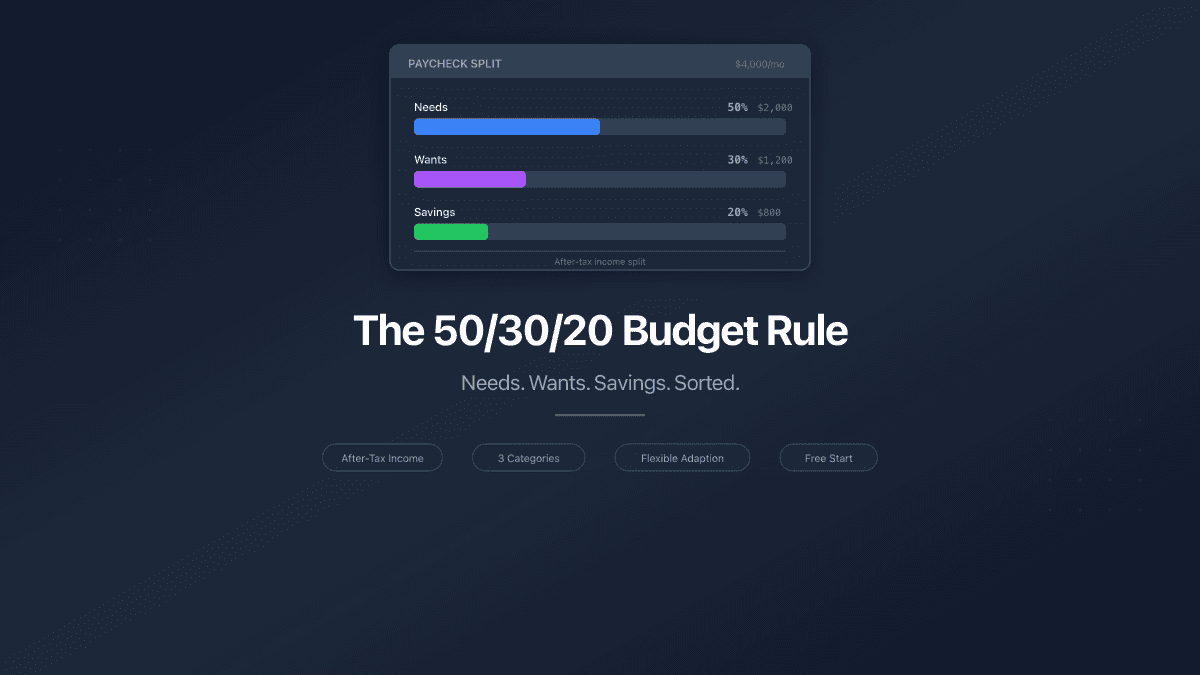
The 50/30/20 Budget Rule - How to Split Your Paycheck
The 50/30/20 budget rule splits after-tax income into needs, wants, and savings. Learn how to apply it, adapt it, and track your split.
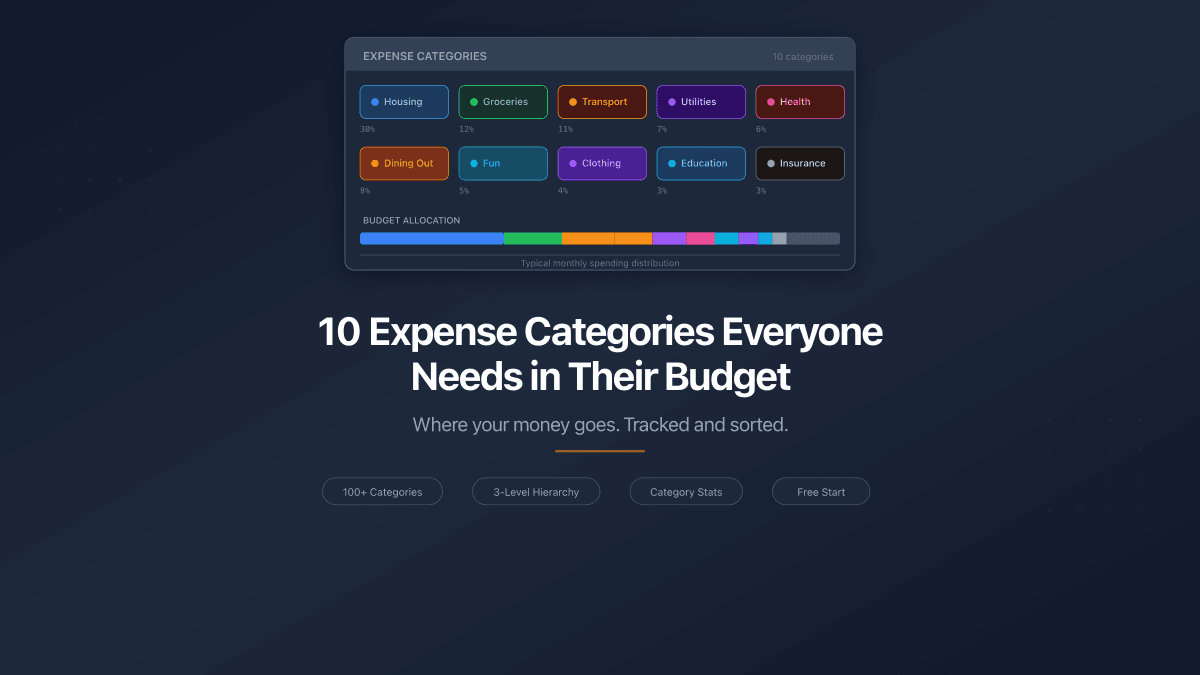
10 Expense Categories Everyone Needs in Their Budget
The 10 expense categories that cover 95% of personal spending. Typical budget share for each, example expenses, and one practical way to reduce costs.
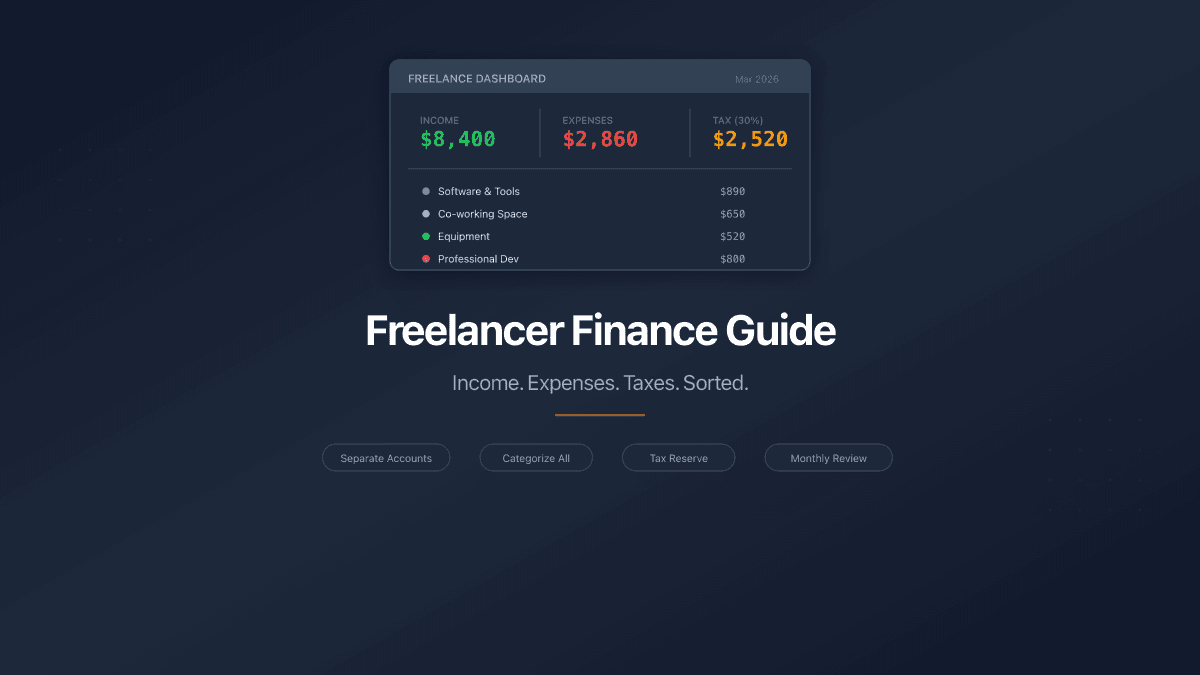
Freelancer Finance Guide - Track Income, Expenses, and Taxes
A practical guide to freelancer finances: separate accounts, categorize expenses, set aside 25-30% for taxes, and review monthly. Free tools included.