
Document Management for Small Business - Proposal to Payment
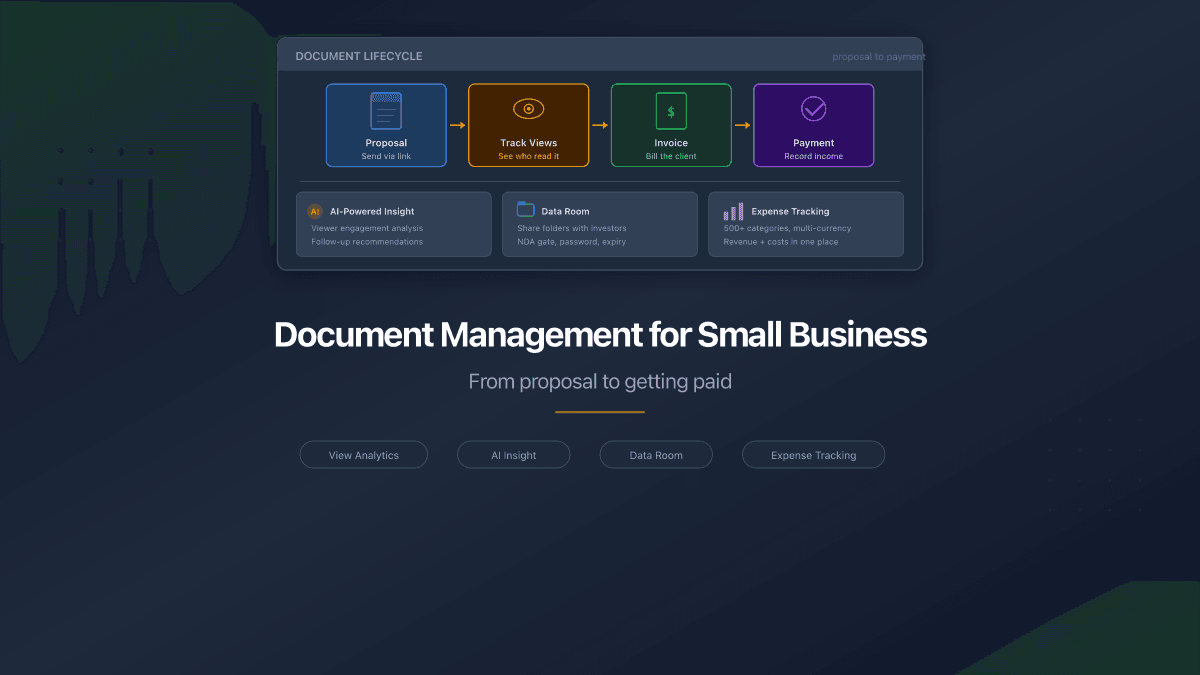
A typical deal at a small business touches five documents: a proposal, a follow-up email, a revised proposal, an invoice, and a payment receipt. Multiply that by ten active clients and you have fifty documents scattered across Gmail, WhatsApp, Google Drive, and your desktop. When a client asks "can you resend the proposal from March?" you spend fifteen minutes searching.
This is not a filing problem. It is a visibility problem. You do not know which clients have read your proposals. You do not know if the invoice you sent last week was opened or ignored. You do not know which pages of your 20-page proposal the client's finance team actually reviewed.
Small business document management is not about enterprise software with complex workflows and six-month implementations. It is about three things: sending documents professionally, knowing what happens after you send them, and keeping your finances organized alongside.
The Document Lifecycle Nobody Talks About
Every client engagement follows the same pattern:
- Proposal - you send a PDF describing your services, pricing, and terms
- Discussion - the client reviews, asks questions, requests changes
- Revised proposal or contract - you send an updated version
- Invoice - work is done, you bill the client
- Payment - client pays, you confirm receipt
Each step generates a document. Each document needs to reach the right person. And at each step, you need to know: did they read it?
Most small businesses handle this with email attachments. The proposal goes as a PDF in Gmail. The invoice goes as another PDF. The receipt is a screenshot from the bank app. No tracking, no organization, no connection between the proposal that won the deal and the invoice that closed it.
Where Documents Go to Die
Three patterns kill small business document workflows:
The messenger graveyard. You send a proposal on WhatsApp because the client prefers it. Three weeks later, it is buried under hundreds of messages. The client cannot find it. You cannot find which version you sent. The conversation around the proposal - questions, clarifications, approvals - lives in the same chat thread, mixed with unrelated messages.
The email black hole. You attach a 4MB PDF to an email. Gmail delivers it. Maybe. You have no confirmation that the client opened the attachment. No idea if they forwarded it to their CFO. No signal whether they spent two minutes reading or two seconds glancing at the subject line before archiving.
The Google Drive maze. You share a folder with the client. It contains six versions of the proposal, three invoice drafts, and a contract template you forgot to delete. The client opens the wrong version. You have no idea which file they actually reviewed.
According to industry data, 68% of small businesses still process invoices manually. The average cost per manually handled invoice is $15, compared to $4 for automated workflows. The difference compounds across hundreds of documents per year.
One Place for Documents, Analytics, and Finances
PaperLink combines document sharing with view analytics and financial tracking. Instead of sending files blind and hoping for the best, you send via a link, monitor engagement, and manage the financial side in the same workspace.
Here is how each stage of the client lifecycle works:
Scenario 1: Send a Proposal and See Who Read It
You upload your proposal PDF to PaperLink. You create a sharing link and send it to the client. From that moment, you see everything:
- When the client opened the document
- How long they spent reading each page
- Which pages got the most attention (pricing page viewed three times? They are comparing your rates)
- From where they accessed it (country and device)
- Whether they downloaded a copy
If multiple people at the client's company open the link, you see each viewer separately. The CEO glanced for 30 seconds. The project manager spent eight minutes on the technical scope. The CFO opened it twice and spent four minutes on the pricing page. These signals tell you who the real decision-maker is and what concerns they have - before you even get a response.
AI-powered insight. PaperLink can generate an AI analysis of viewing patterns across all viewers of your document. The insight highlights which sections attracted the most attention, which were skipped, and suggests what those patterns mean for your follow-up strategy.
Set an expiration date on proposal links. A 30-day expiry creates natural urgency and prevents outdated pricing from circulating months later.
Scenario 2: Invoice the Client and Track Payment
The deal closes. Time to bill. You create an invoice in PaperLink with line items, tax details, and payment terms. The system generates a professional PDF. You send it via a sharing link - the same way you sent the proposal.
Now you see the same analytics for your invoice. Did the client open it? Did they reach page two where the bank details are? If they opened it Monday and it is now Thursday with no payment, you know they read it - the follow-up is about payment timing, not resending.
When the payment arrives, record it in PaperLink's accounting. The transaction links to the invoice. Your books show which invoice generated which payment. At tax time, every dollar of revenue traces back to a specific client, project, and invoice.
For a detailed walkthrough of the invoicing workflow, see our guide to invoicing clients.
Scenario 3: Data Room for Investors or Partners
Growing businesses often need to share multiple documents with investors, partners, or enterprise clients - financial projections, pitch decks, legal agreements, product demos. The traditional approach is a shared Google Drive folder with no access control and no visibility into engagement.
PaperLink folders work as lightweight data rooms. Upload all documents to a folder, create a single sharing link, and share it with the recipient. The folder view shows all documents organized in one place. You see analytics for each document individually: which files the investor opened, how long they spent on the financial model versus the team slide, and whether they downloaded anything.
Folder sharing supports the same controls as individual documents:
| Control | Data room use |
|---|---|
| Password | Restrict access to authorized parties only |
| Email verification | Know exactly who accessed the room |
| NDA gate | Require confidentiality agreement before viewing |
| Expiration | Automatically close access after due diligence period |
| Download control | Prevent unauthorized copies of sensitive documents |
| Custom domain | Present the data room under your brand |
Sharing Controls That Match the Situation
Not every document needs the same level of security. A general capabilities deck and a confidential pricing proposal require different handling.
Open sharing - for marketing materials, general proposals, case studies. Anyone with the link can view. Maximum reach, zero friction.
Email-verified sharing - for proposals and invoices. The recipient enters their email before viewing. You know exactly who opened it, not just that "someone" clicked the link.
Password-protected sharing - for sensitive pricing, contracts, or financial documents. Only people with the password can access. Combined with email verification, you get identity plus access control.
Agreement-gated sharing - for confidential materials. The recipient must accept your NDA or terms of service before seeing any content. PaperLink records the acceptance with a timestamp.
Restricted sharing - for the most sensitive documents. Limit access to a single email address. Even if the link is forwarded, only the intended recipient can view it.
Track Business Expenses in the Same Workspace
Document management is the client-facing side of your business. Expense tracking is the internal side. PaperLink handles both.
In the same workspace where you manage proposals and invoices, you track business expenses across multiple accounts - bank, cash, credit card, e-wallet. Every transaction gets categorized from 500+ pre-built categories. Revenue from invoices and expenses for operations live in one view.
This means you can answer questions that usually require three different tools:
- "How much revenue did Client X generate this year?" (filter income by client)
- "What is my profit margin after operating costs?" (revenue minus categorized expenses)
- "How much did I spend on marketing versus what it brought in?" (category analysis)
For details on expense tracking features, see our free expense tracker overview.
FAQ
How is this different from DocSend or PandaDoc?
DocSend focuses on document analytics for sales teams - it tracks views but does not handle invoicing or expense tracking. PandaDoc focuses on proposals and e-signatures but does not offer financial management. PaperLink combines document sharing analytics with invoicing and full expense tracking in one platform.
Can I organize documents by client?
Yes. Create folders for each client containing their proposals, contracts, and invoices. Each folder can have its own sharing link with separate analytics.
Do recipients need to install anything?
No. Sharing links open in any browser. Recipients see a professional document viewer without signing up, downloading software, or creating an account.
What file formats are supported?
PDF documents. Upload your proposal, invoice, or contract as a PDF and PaperLink renders it in a secure, tracked viewer.
Can multiple team members use the same workspace?
Yes. PaperLink workspaces support team members with role-based access. Everyone on your team can upload documents, create sharing links, and view analytics.
Start Organizing Your Document Workflow
Start with PaperLink free - document sharing with view analytics plus expense tracking in one place. Send your first proposal with tracking, create your first invoice, and see who reads your documents. Upgrade when your team grows. Try it free.
For more on the invoicing workflow, read how to invoice a client. For managing freelance or small business finances, see the freelancer finance guide.
PaperLink is also a full accounting platform. Track income and expenses across multiple accounts, multiple currencies, and 500+ pre-built categories. See where every dollar goes with category analytics. Explore expense tracking.
Ready to try PaperLink?
Create invoices, share documents, and manage your business — all in one place.
Related Posts
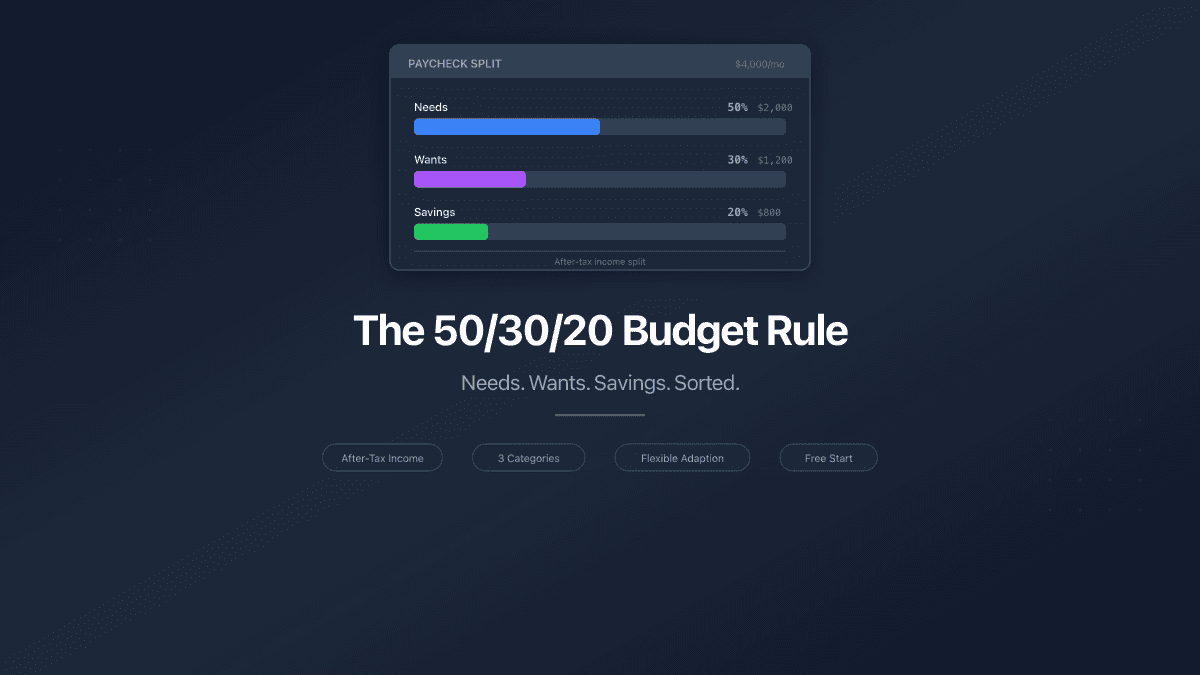
The 50/30/20 Budget Rule - How to Split Your Paycheck
The 50/30/20 budget rule splits after-tax income into needs, wants, and savings. Learn how to apply it, adapt it, and track your split.
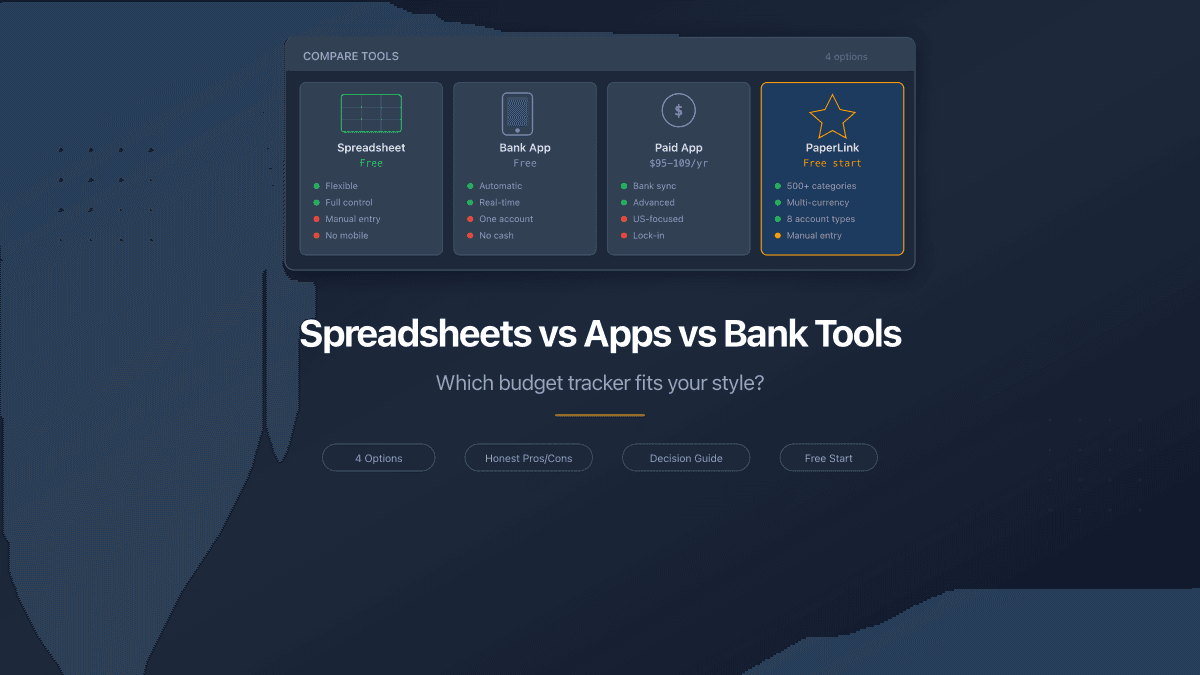
Spreadsheets vs Apps vs Bank Tools - Where to Track Money
Spreadsheets, bank apps, and dedicated budget tools compared honestly. Pros, cons, pricing, and which option fits your situation in 2026.
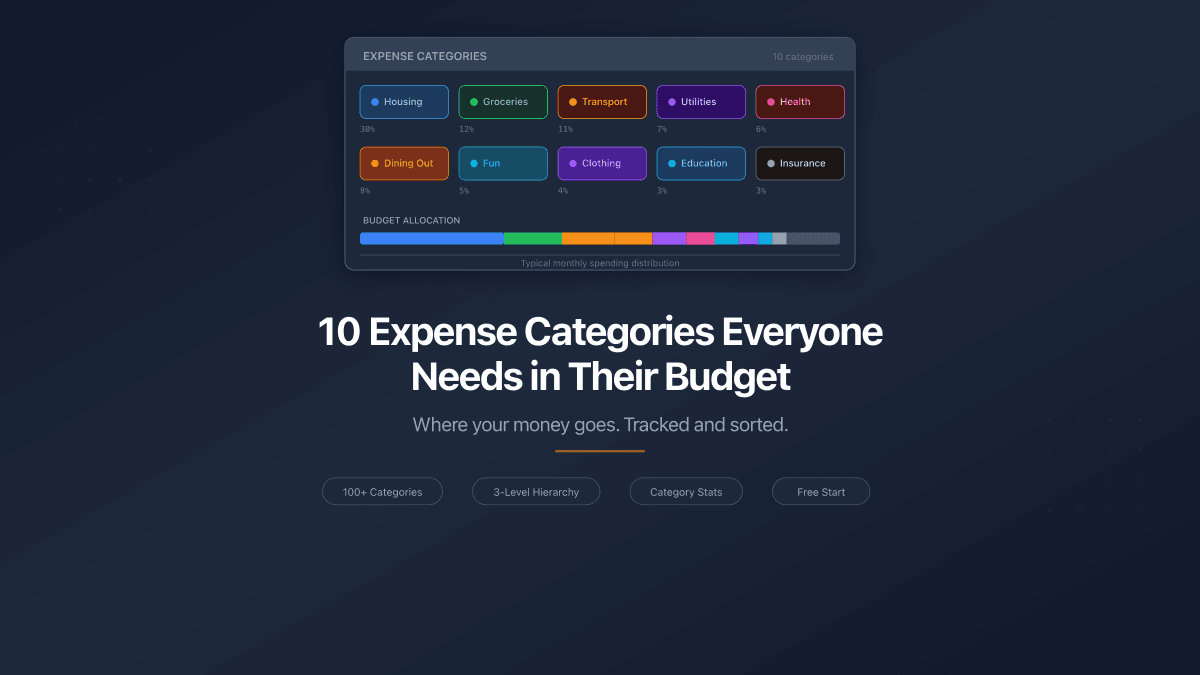
10 Expense Categories Everyone Needs in Their Budget
The 10 expense categories that cover 95% of personal spending. Typical budget share for each, example expenses, and one practical way to reduce costs.