
Import Claude Artifacts as Trackable Shared Documents
Two New Ways to Add Documents
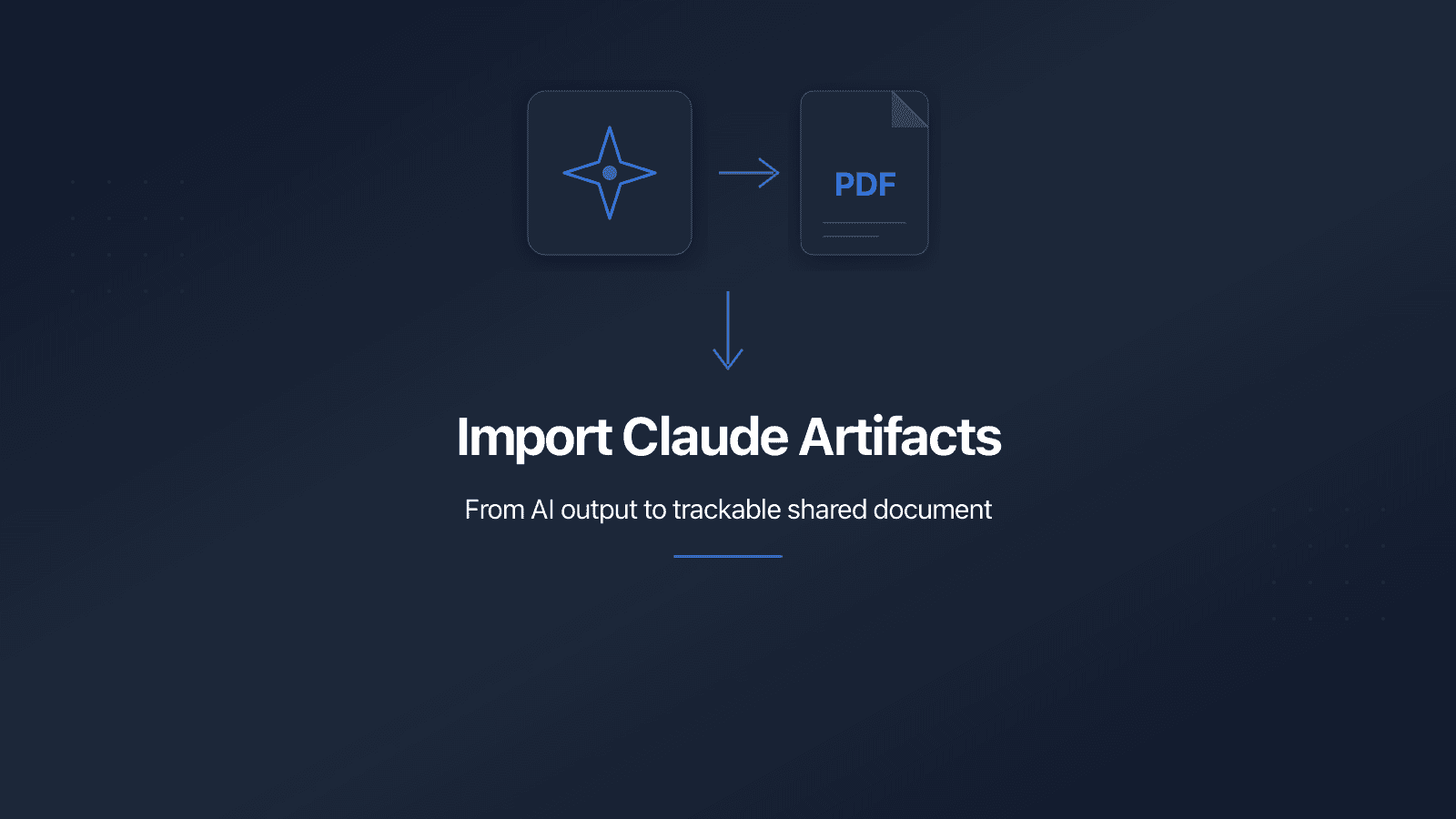
PaperLink now imports published Claude artifacts directly from their URL and converts pasted Markdown text into shareable PDFs - with full view analytics on every document.
No browser extensions. No print-to-PDF. No manual upload. Paste a URL or text, get a trackable document.
What's Included
Import from URL
Paste a published Claude artifact URL into the Add Document dialog. PaperLink fetches the artifact, converts it to a formatted PDF, and saves it to your document library. The file name is extracted from the artifact's first heading automatically.
The conversion preserves headings, tables, code blocks, lists, and other formatting from the original artifact. The entire process takes a few seconds.
The artifact must be published. In Claude, click Share, then Publish to generate a public URL. Private artifacts cannot be imported.
After import, the original Claude URL appears in your file details under Source - visible only to you, never to shared link viewers.
Paste Text
Copy text from any Claude conversation (or any Markdown editor) and paste it into PaperLink. Enter a document name, click Convert to PDF, and you have a shareable file.
Markdown formatting carries over: headings, bold, italic, lists, tables, code blocks. The output is a clean, typeset PDF - not raw Markdown syntax.
Why We Built This
Claude users create professional content - proposals, market analyses, technical specs, CVs. The content is strong. The sharing options are limited.
Publishing a Claude artifact gives you a public link. That link has no view analytics, no password protection, no email gating, no expiration dates, and no custom URL. You get a random UUID on claude.site and zero visibility into whether anyone read what you shared.
The alternative workflow today: print-to-PDF, save locally, upload to a sharing service, create a link, configure permissions. Five steps, every single time.
PaperLink compresses that into one. Paste the URL, get a trackable document with every sharing control already available.
How to Use It
From URL
- Click Add Document on your Files page.
- Select From URL.
- Paste the artifact URL (
https://claude.ai/public/artifacts/...). - Click Import as PDF.
From Text
- Click Add Document.
- Select Paste Text.
- Enter a name and paste your content.
- Click Convert to PDF.
Both methods create standard PDF files. Every sharing feature applies: password protection, email verification, custom URL slugs, expiration dates, and download control.
For a step-by-step walkthrough, see the Import from URL or Pasted Text help guide.
What's Next
URL import currently supports Claude artifacts (claude.ai/public/artifacts/*). Support for additional sources - Notion pages, Google Docs, and arbitrary web URLs - is on the roadmap.
Try it now with your next Claude artifact. For a broader guide covering ChatGPT, Gemini, and other AI tools, see Turn AI Output into Shareable, Trackable Documents.
Bereit, PaperLink auszuprobieren?
Erstellen Sie Rechnungen, teilen Sie Dokumente und verwalten Sie Ihr Unternehmen — alles an einem Ort.
Ähnliche Beiträge
Custom URL Slugs for Shared Links
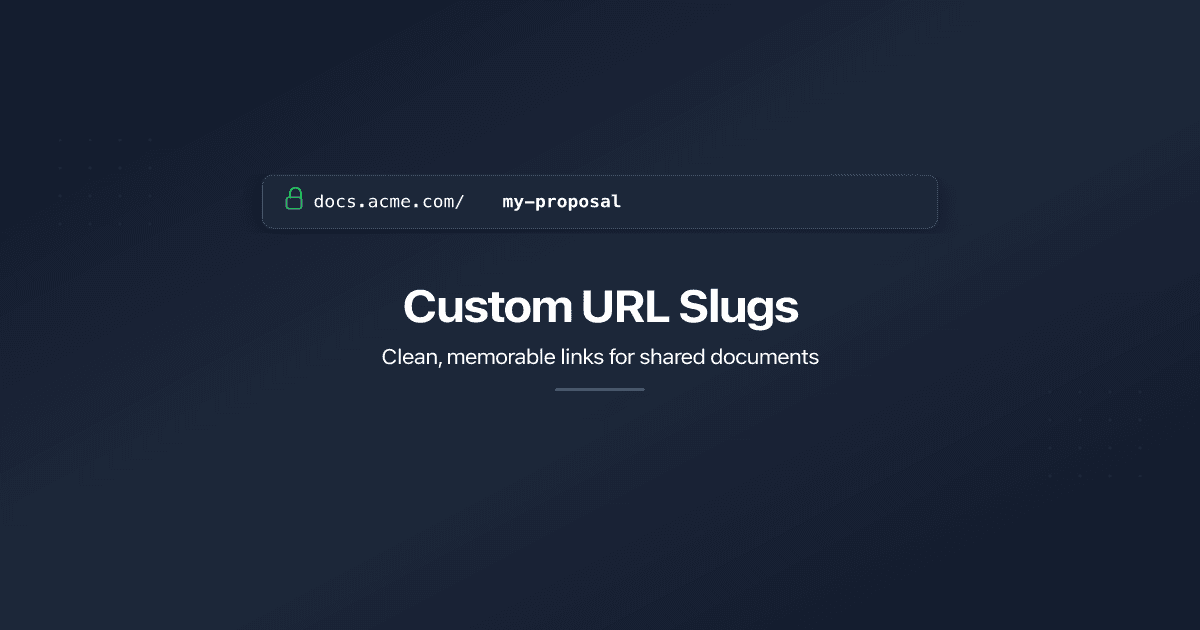
Replace auto-generated link IDs with clean, memorable URLs. Set custom slugs on shared documents and folders - on our domain or yours.
Transaction Description Autocomplete
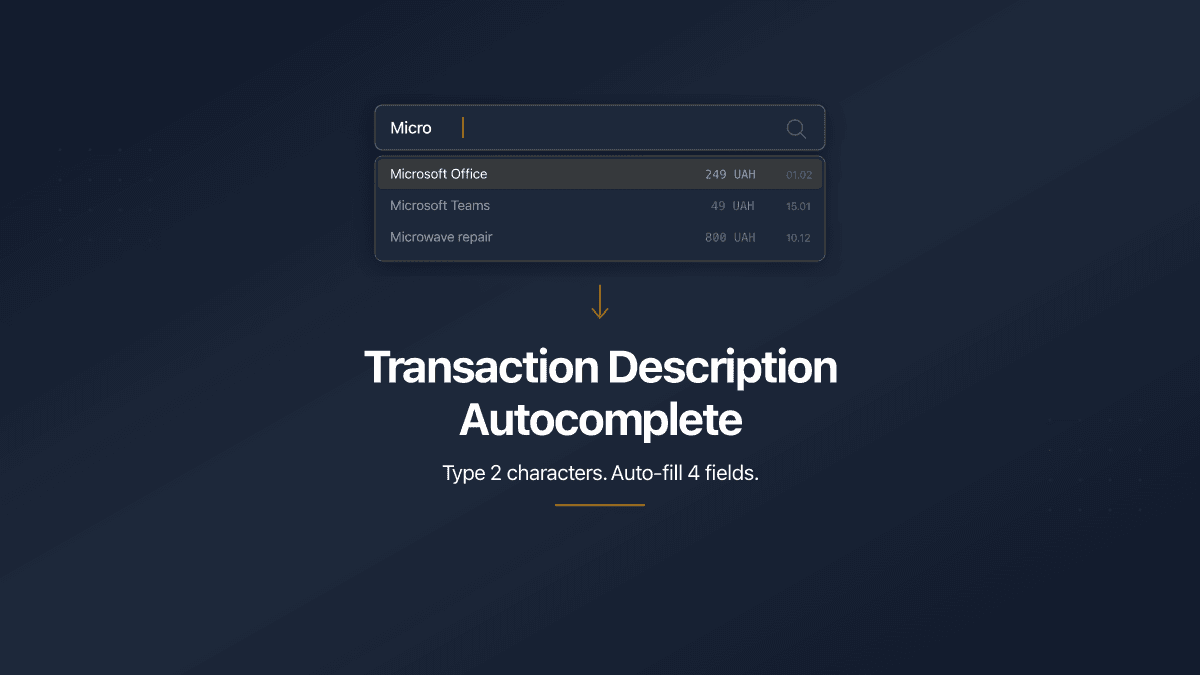
PaperLink now auto-fills transaction forms from your history. Type 2 characters, pick a suggestion, and the description, account, amount, and category fill in automatically.

PaperLink Now Speaks Greek
PaperLink is now available in Greek. Navigate the app, share documents, and manage invoices in your native language - whether you're in Athens, Limassol, or anywhere in the world.