
Manage Company Currencies

Each company in PaperLink has its own currency list and exchange rates. The Currencies tab in team accounting settings lets you set the company's primary currency, add foreign currencies, and manage exchange rates.
Open Company Currency Settings
- Click Settings in the sidebar.
- Open the Team section.
- Click the Accounting tab.
- Select your company from the dropdown at the top.
- Click the Currencies tab.
Set the Primary Currency
The Primary Currency dropdown at the top controls which currency is used to display total balances. All multi-currency amounts are converted and shown in the primary currency.
- Open the Primary Currency dropdown.
- Select a currency.
The primary currency cannot be removed from the currency list.
Add a Currency
- Click Add Currency.
- Select a currency from the list.
The new currency appears in the table with a daily auto rate. PaperLink syncs rates once per day from an external exchange rate provider.
Adding a company financial account in a new currency automatically adds that currency to the company's list.
Auto and Manual Rates
Each currency has an exchange rate relative to your primary currency (for example, 1 EUR = 1.08 USD if your primary currency is USD).
Auto rates update daily. Toggle the Auto switch on to use them.
Manual rates let you override the auto rate with your own value. Toggle Auto off, then enter the rate. The manual rate stays until you change it or switch back to auto.
Remove a Currency
Click the delete icon next to a currency to remove it. You cannot remove a currency that is used by a company financial account.
Filters
The currency list has filter options:
- Group By - group currencies by None, Company, or Account Type.
- Source - show All, Account-linked, or Manually added currencies.
- Rate Type - show All, Auto, or Manual rates.
Supported Currencies
PaperLink supports the same 35 currencies with daily auto rates for both personal and company accounting. See Manage Currency Exchange Rates for the full currency list.
Related
- Add a Company Financial Account - create business bank and cash accounts
- Manage Currency Exchange Rates - personal currency settings and full currency list
- Set Up Your Company - create a company before managing its currencies
Cet article vous a-t-il été utile ?
Besoin d'aide ?
Parcourez notre centre d'aide ou contactez notre équipe pour une assistance personnalisée.
Articles connexes
Set Up Your Company
Set up your company in PaperLink - name, address, bank details, regional banking codes, and tax IDs. This info appears on your invoices.
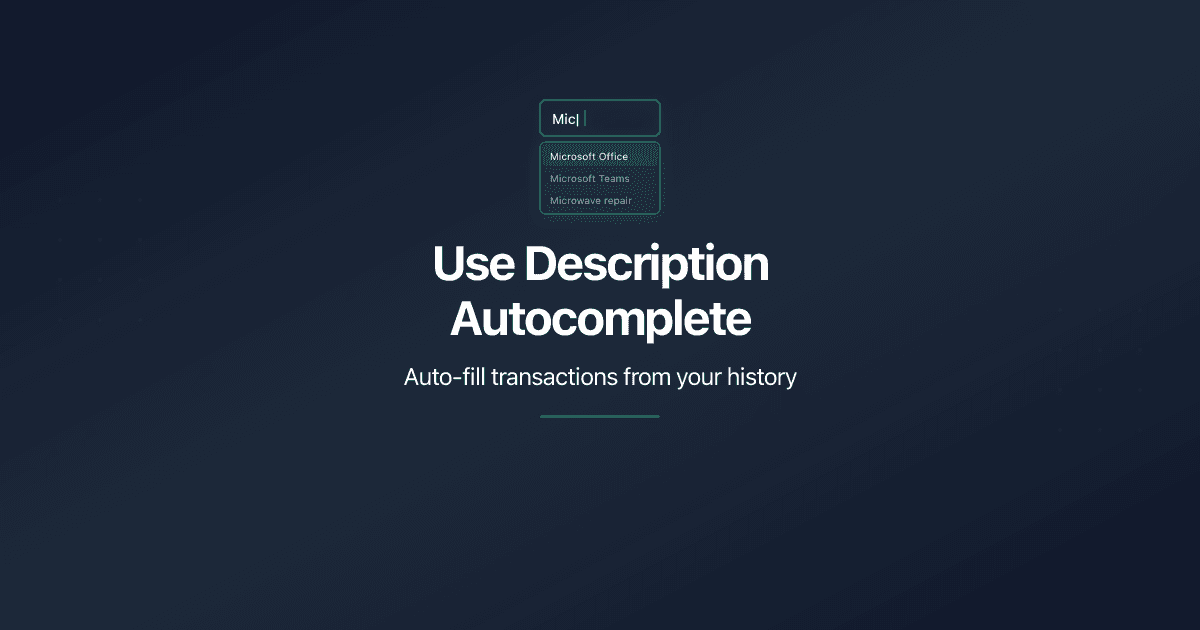
Use Description Autocomplete
Speed up transaction entry with description autocomplete in PaperLink. Type 2 characters to see suggestions from past transactions, then auto-fill account, amount, and category.
Reset Personal Accounting Data
How to delete transactions, categories, and financial accounts in PaperLink personal accounting. What each reset action does and what it removes.
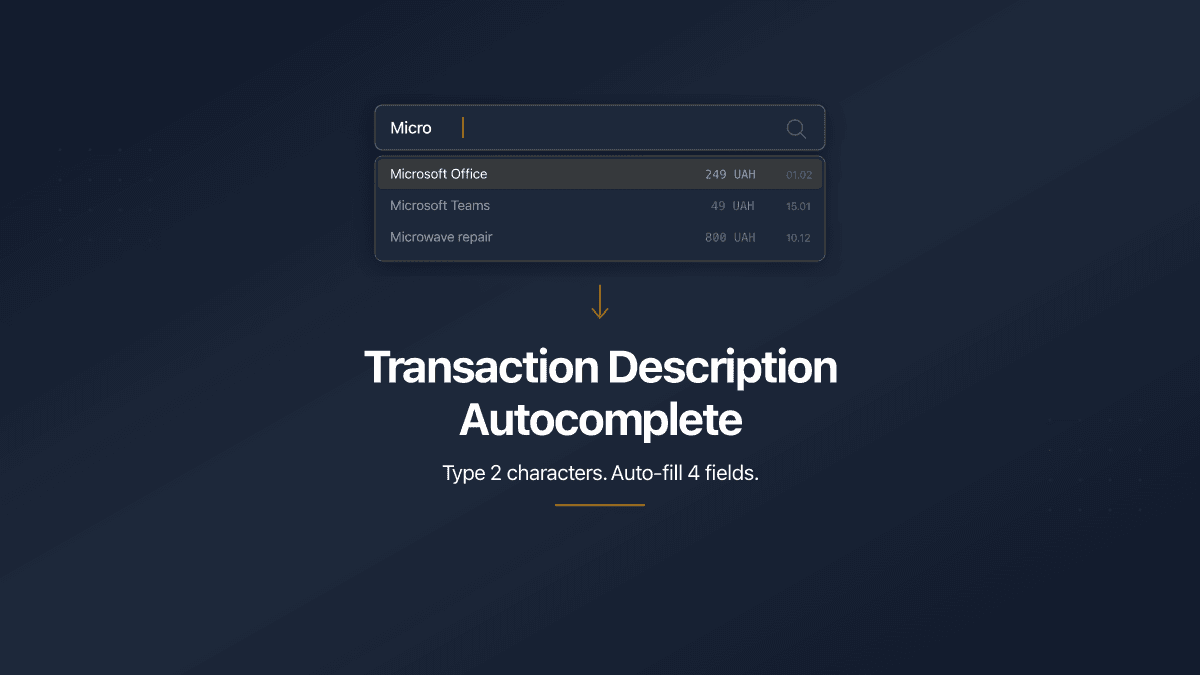
Transaction Description Autocomplete
PaperLink now auto-fills transaction forms from your history. Type 2 characters, pick a suggestion, and the description, account, amount, and category fill in automatically.