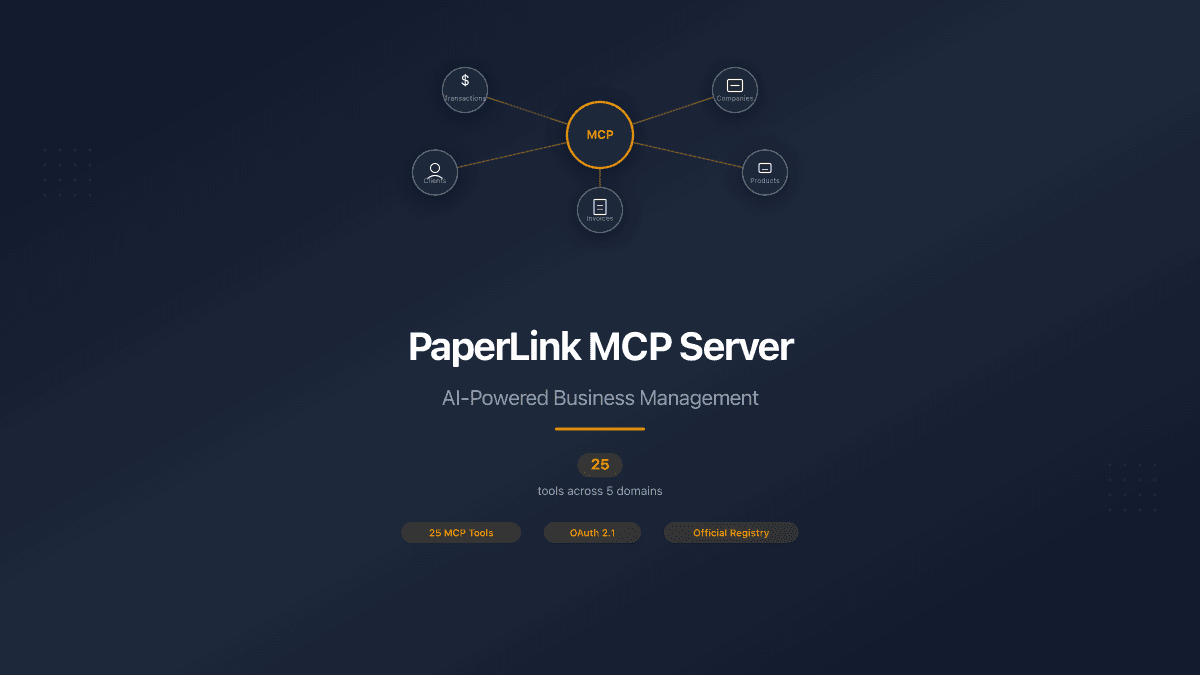
PaperLink now works with your AI assistant. Through the Model Context Protocol (MCP), Claude, Cursor, ChatGPT, and other AI tools can manage your finances, companies, clients, and products - all through natural conversation.
No forms. No browser tabs. Tell your AI what happened, and it handles the rest.
The server is live on the official Anthropic MCP Registry and MCP.so.
Record Expenses and Manage Finances
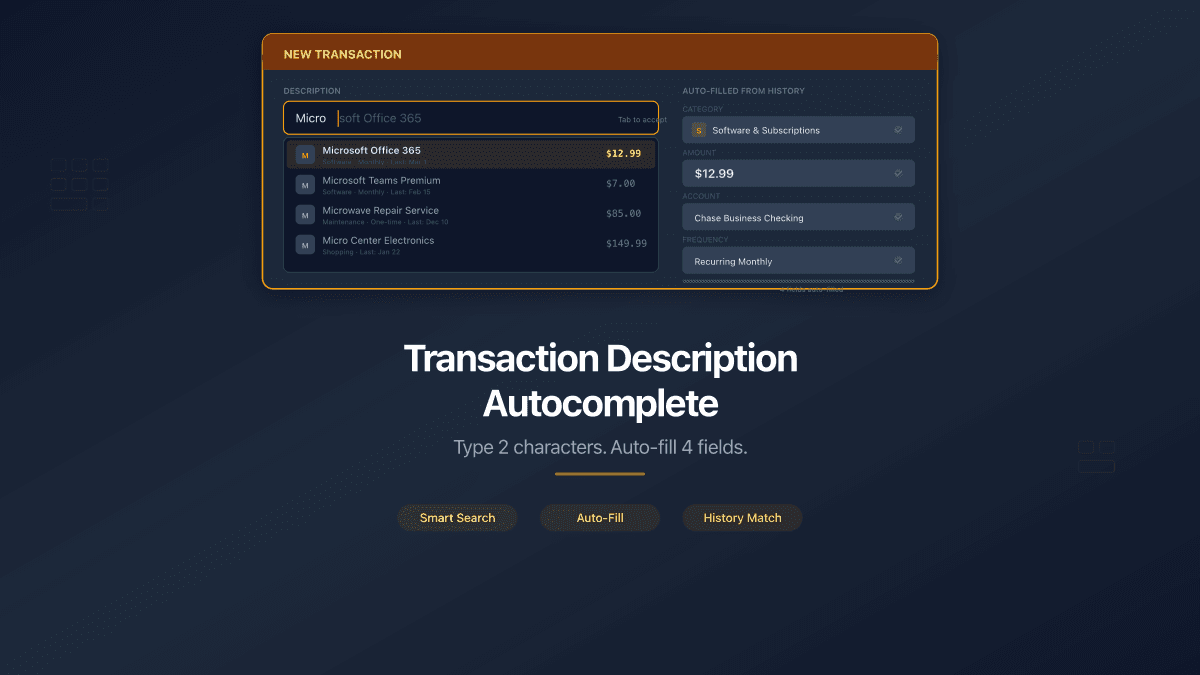
"Coffee at Blue Cup, 85 UAH." That is all you say. Your AI finds the right category, picks the right bank account, and records the transaction.
It goes further. Send a photo of a grocery receipt with 6 items - your AI reads each line, confirms the total and category with you, then saves everything in one call. If the receipt has 6 items, all 6 are created together. If one fails, none are saved.
Need to transfer money between accounts? "Move $100 from Wise to Mono Black." The exchange rate is fetched automatically - you see the converted amount before confirming.
Made a mistake? "Change the category on yesterday's coffee to Dining Out." Or "Delete the duplicate grocery entry." Your AI shows you the details first, asks for confirmation, and only then makes the change.
Your AI never modifies data without asking. Every update, delete, and transfer requires your explicit confirmation. If the AI makes a mistake, it tells you what happened and asks permission to fix it.
Set Up Your Business Through Conversation
Adding a company used to mean filling 30+ form fields - name, address, IBAN, tax IDs, banking details. Now you say: "Add my company, ТОВ Прометей, IBAN UA213..., registration number 12345678." Your AI fills everything in one step.
The same works for clients and products:
- "Add a client - Google LLC, billing@google.com." Creates a company client with contact details.
- "Register Іван Петренко as a client, phone +380501234567." Creates an individual client.
- "New service: Web Development, $150 per hour, 20% VAT." Adds a product with pricing and tax rate.
Once created, you can update any field through conversation. "Change the IBAN on Прометей to UA999..." or "Update the hourly rate for Web Development to $175."
Don't need an entity anymore? Archive it. "Archive the test company." Archived entities can be restored anytime. If a company has active invoices, the system blocks the archive and tells you why.
Browse Everything Through AI
Ask your AI to show you what you have:
- "Show all my clients" - lists every client with type, email, and status
- "What companies do I have?" - shows active and archived companies
- "List products over $100" - filters your catalog
- "Transactions this month" - shows recent spending with categories
- "Invoices with Org Meter" - finds invoices for a specific client
Search works across all entities. Your AI filters by name, type, date, status, and amount - the same filters available in the PaperLink web interface.
You Control What Your AI Can Access
When you connect, you choose exactly which permissions to grant. Want your AI to read financial data but not change it? Grant read-only access. Need full accounting power but want to keep client information private? Skip the client permissions.
Permissions are grouped by domain - accounting, companies, clients, products. Delete access is always separate from create/update access. You can revoke any permission at any time from your PaperLink settings.
Start with read-only access to see what your AI can show you. Add write permissions when you are ready to create and modify data through conversation.
Same Rules as the Web App
Your AI works with the same database and follows the same business rules as the PaperLink web interface. Company name uniqueness, product validation, permission checks, data isolation between teams - everything works identically whether you use the browser or your AI assistant.
If a validation rule blocks something in the web app, it blocks the same thing through AI. No shortcuts, no backdoors.
How to Connect
In Claude Code, run claude mcp add --transport http paperlink https://mcp.paperlink.online/api/mcp/mcp. In Cursor, add the same URL as a remote MCP server. Your browser opens - log in, pick a team, choose your permissions. The whole process takes under 60 seconds. For a detailed walkthrough, see our connection guide.
PaperLink is listed on the official Anthropic MCP Registry and MCP.so.
What's Coming
Invoice and estimate creation through AI is in development. Soon your AI will draft, send, and manage documents using the companies, clients, and products you already set up through conversation.
Document sharing tools are also on the roadmap - data rooms, secure links, and file analytics, all manageable through your AI assistant.
Connect your AI assistant and start managing your business through conversation.