
Sign In with LinkedIn
The Identity Your Contacts Already Know
Google verifies an email address. LinkedIn verifies a professional identity. When you share contracts, compliance documents, or invoices, both sides of the transaction need to know who they are dealing with. A Gmail address tells you nothing about the person behind it. A LinkedIn profile tells you their role, company, industry, and history.
PaperLink now supports Sign in with LinkedIn - alongside Google and Telegram.
How It Works
Click "Continue with LinkedIn" on the sign-in page. PaperLink redirects you to LinkedIn's authorization page, where you approve access to your name and email. LinkedIn confirms your identity through OpenID Connect - the same standard protocol used by Google - and redirects you back to PaperLink with your account ready.
No new password. No registration form. The professional identity you maintain on LinkedIn becomes your PaperLink login.
LinkedIn uses OpenID Connect (OIDC) for authentication - the same enterprise-grade protocol behind Google sign-in. Your LinkedIn password never touches PaperLink's servers.
What's Included
| Feature | How It Works |
|---|---|
| Sign in | "Continue with LinkedIn" button on the login page |
| Connected Accounts | Link or unlink LinkedIn in Profile Settings at any time |
| Multiple providers | Use Google at the office, LinkedIn for client-facing work - both stay connected |
| Account safety | Cannot disconnect your last remaining login method |
Already have a PaperLink account through Google? Go to Profile Settings → Connected Accounts, click Connect next to LinkedIn, and authorize. Your existing account gains LinkedIn as an additional login method. Same documents, same team, second way in.
Why LinkedIn Matters for Document Sharing
Three reasons this is more than a convenience feature.
Professional trust. LinkedIn has 1.2 billion registered members, including 65 million decision-makers and 10 million C-level executives. When a recipient sees that a shared document came from someone who authenticated with their LinkedIn identity, it carries implicit credibility. The person is accountable - their professional reputation is attached.
B2B audience alignment. PaperLink serves legal professionals, construction executives, and compliance teams. These are industries where LinkedIn is the default professional network. The largest industry segment on LinkedIn is Professional Services with 23 million members - including the lawyers and consultants who share documents through PaperLink daily.
Reduced friction at the point of trust. Sharing a confidential document is a trust transaction. The recipient decides whether to open, read, and respond. Every second of friction - creating an account, verifying an email, setting a password - is a moment where that transaction can break down. LinkedIn login removes that friction for professionals who already live on the platform.
You can connect multiple providers to the same account. Sign in with Google on your personal laptop, switch to LinkedIn on a work device - same account, same documents, same team.
Three Ways to Sign In
PaperLink offers three authentication options:
- Google - universal, works for everyone with a Google account
- LinkedIn - professional identity, common in B2B and enterprise contexts
- Telegram - dominant in APAC, CIS, and mobile-first markets
Each option uses OpenID Connect, the industry standard for secure authentication. Your credentials stay with the identity provider. PaperLink receives only what you authorize: name, email (or phone for Telegram), and profile photo.
Try It
Head to app.paperlink.online and click "Continue with LinkedIn." If you have an existing account, link LinkedIn in your Profile Settings under Connected Accounts.
Need step-by-step instructions? See Sign In to PaperLink in the Help Center.
Prêt à essayer PaperLink ?
Créez des factures, partagez des documents et gérez votre activité — tout en un seul endroit.
Articles similaires
Sign In with Telegram
PaperLink now supports Telegram as a sign-in option. No password needed - authenticate with the messenger 1 billion people already use.
Sign In with Google
PaperLink supports Sign in with Google. One click, no new password - authenticate with the account 1.8 billion people already use every day.
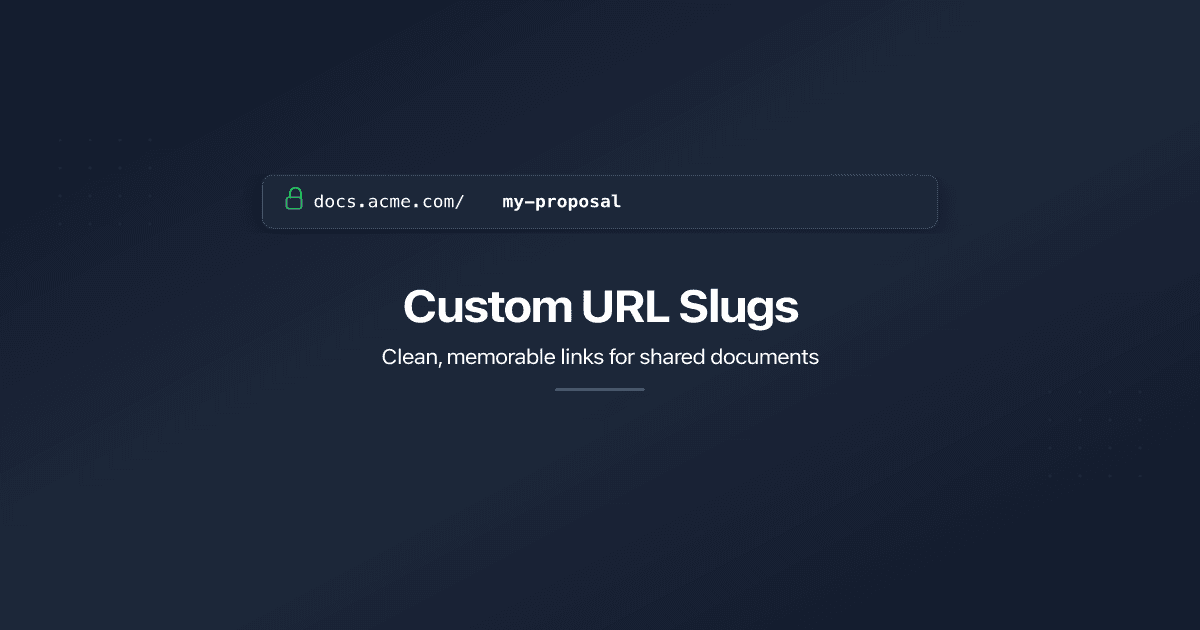
Custom URL Slugs for Shared Links
Replace auto-generated link IDs with clean, memorable URLs. Set custom slugs on shared documents and folders - on our domain or yours.