
Freelancer Finance Guide - Track Income, Expenses, and Taxes
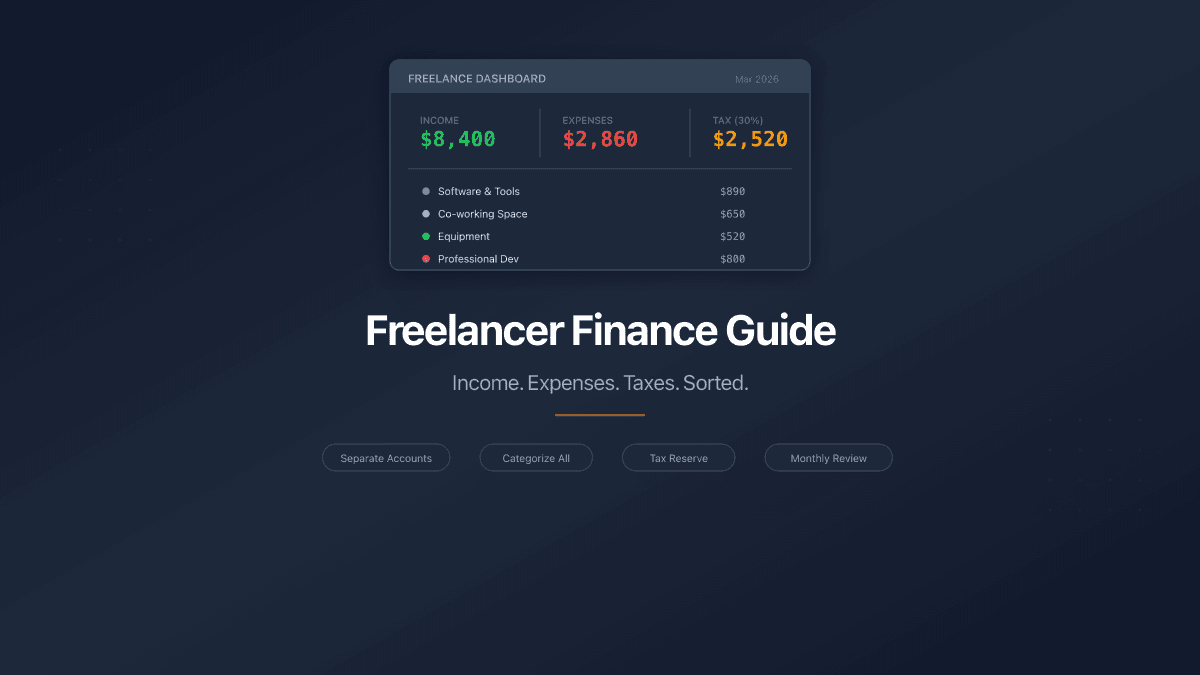
Freelancing gives you control over your schedule. It does not give you control over when clients pay. One month you earn three times your average. The next, nothing lands until the 28th. Meanwhile, your rent, software subscriptions, and health insurance charge on schedule regardless.
This irregular rhythm creates three problems that full-time employees never face: mixed personal and business spending, unpredictable cash flow, and tax bills that arrive as surprises.
The fix is not complicated. It requires four habits, a place to track numbers, and about 15 minutes per week.
Step 1: Separate Personal and Business Finances
The single most impactful change a freelancer can make is to stop mixing personal and business money. When client payments land in the same account that pays for groceries, every financial question becomes harder to answer. How much did the business earn this quarter? What were the actual operating costs? Is the business profitable after expenses?
You do not need a legal business entity to separate finances. You need two sets of accounts.
In PaperLink, create a personal workspace for your day-to-day life and use the team workspace for your freelance business. Each has its own accounts, transactions, and categories. Data stays completely isolated - personal spending never mixes with business records.
Set up at least these business accounts:
| Account | Purpose |
|---|---|
| Bank (business) | Client payments land here |
| PayPal / E-Wallet | International client payments |
| Cash | In-person client work, petty expenses |
| Tax Reserve | Money set aside for tax payments |
When a client pays $3,000, record it as income in your business bank account. When you buy a software license, record the expense from the same account. Your personal grocery run stays in your personal workspace entirely.
If you receive payments in multiple currencies - USD from American clients, EUR from European ones, GBP from UK projects - create separate accounts for each. PaperLink tracks exchange rates on transfers between them.
Step 2: Categorize Every Business Expense
Freelancers tend to lump expenses into "stuff I bought for work." That vagueness costs money at tax time, because deductible expenses reduce your taxable income - but only if you can identify and document them.
PaperLink ships with 100+ pre-built categories organized in a three-level hierarchy. For freelance work, the categories that matter most:
Operating costs:
- Software and subscriptions (design tools, cloud hosting, project management)
- Equipment (laptop, monitor, keyboard, desk)
- Internet and phone
- Co-working space or home office
- Professional development (courses, books, conferences)
Client-facing costs:
- Travel for client meetings
- Marketing and advertising
- Business meals
- Professional services (accountant, lawyer)
Taxes and insurance:
- Tax reserve transfers
- Health insurance
- Professional liability insurance
Every expense gets categorized when you record it. The autocomplete feature speeds this up - after a few entries, PaperLink pre-fills the category, amount, and account when you start typing "Adobe" or "WeWork."
Do not overthink categories at the start. Record everything in the closest matching category. You can reorganize, rename, or archive categories later without losing transaction data.
Step 3: Set Aside Taxes Immediately
The most common freelancer financial mistake is spending everything that comes in and scrambling when taxes are due. The fix is mechanical: every time income arrives, move a percentage to your tax reserve account before you spend anything.
How much to set aside:
| Your situation | Reserve percentage |
|---|---|
| First year freelancing, unsure of tax bracket | 30% |
| Established, know your effective rate | 20-25% |
| High-income bracket or multiple tax jurisdictions | 30-35% |
The 25-30% range covers federal income tax, self-employment tax (Social Security + Medicare), and state/local taxes for most freelancers. If your country uses a different tax structure, adjust the percentage to match your effective rate.
In PaperLink, record this as a transfer from your business bank account to your tax reserve account. The transfer type is important - it is not an expense, so it does not inflate your costs. It is money moving from one pocket to another. Your total balance stays accurate.
When tax day arrives, the money is already there. No surprises, no credit cards, no payment plans.
Many countries require freelancers to make quarterly estimated tax payments, not just annual ones. Missing quarterly deadlines can trigger penalties even if you pay the full amount at year-end. Check your local requirements.
Step 4: Review Your Numbers Monthly
Recording transactions is half the system. The other half is looking at what you recorded.
Block 30 minutes on the first of each month. Open your business workspace and answer four questions:
-
How much did I earn? Filter income transactions for the past month. Compare to your monthly average. Is the trend up or down?
-
Where did the money go? Sort expenses by category. Which categories grew? Are there subscriptions you forgot you were paying?
-
What is my effective hourly rate? Total income minus total expenses, divided by hours worked. This number tells you whether to raise rates, reduce expenses, or both.
-
Is the tax reserve on track? Check the balance in your tax reserve account. Does it match 25-30% of year-to-date income?
This review catches problems early. A subscription that crept from $29 to $79. A client who has been "about to pay" for 60 days. A category where spending doubled without you noticing.
Send Invoices and Track When Clients Read Them
Recording income is one part of the equation. Getting paid is the other.
When your invoice is ready, send it to your client through PaperLink Sharing. You will see when the client opened the document, how long they spent reading it, and whether they reached the page with payment details. No more "I didn't receive the invoice" - you have the data showing they opened it Tuesday at 2pm and spent 45 seconds on it.
This is where PaperLink differs from standalone expense trackers. It combines financial tracking with document sharing analytics in one platform. Create the invoice, track the expense, send the document, and monitor engagement - without switching between four different tools.
FAQ
Do I need accounting software as a freelancer?
If your annual revenue is under $50,000 and you have straightforward expenses, a well-organized expense tracker with proper categories handles the job. You need full accounting software when you deal with inventory, payroll, or complex depreciation schedules.
How often should I record transactions?
Daily is ideal. Weekly is the minimum. The longer you wait, the more you forget, and forgotten expenses are lost deductions. PaperLink's autocomplete makes daily entry fast - most transactions take under 10 seconds.
Can I use this for multiple freelance businesses?
Yes. Create separate team workspaces for each business. Each workspace has its own accounts, categories, and transaction history. Your personal finances remain in your personal workspace, isolated from all business data.
What if I have both personal and business use for an expense?
Record the business portion as a business expense. If your phone bill is $80 and you use it 60% for business, record $48 as a business expense. Keep a simple note about the split percentage for your records.
Start Tracking Your Freelance Finances
The gap between freelancers who stress about money and freelancers who do not is rarely income. It is visibility. Knowing exactly what comes in, what goes out, and what the tax bill will be removes the anxiety that irregular income creates.
Four accounts. Consistent categorization. A tax reserve transfer on every payment. A 30-minute monthly review.
Create your free account and start organizing your freelance finances today.
Related articles:
- Free Expense Tracker - full overview of PaperLink's expense tracking features
- How to Invoice a Client - create, send, and track invoices with view analytics
- Document Management for Small Business - organize your document workflow from proposal to payment
- Document Viewer Analytics - how to track who views your shared documents
Ready to try PaperLink?
Create invoices, share documents, and manage your business — all in one place.
Related Posts
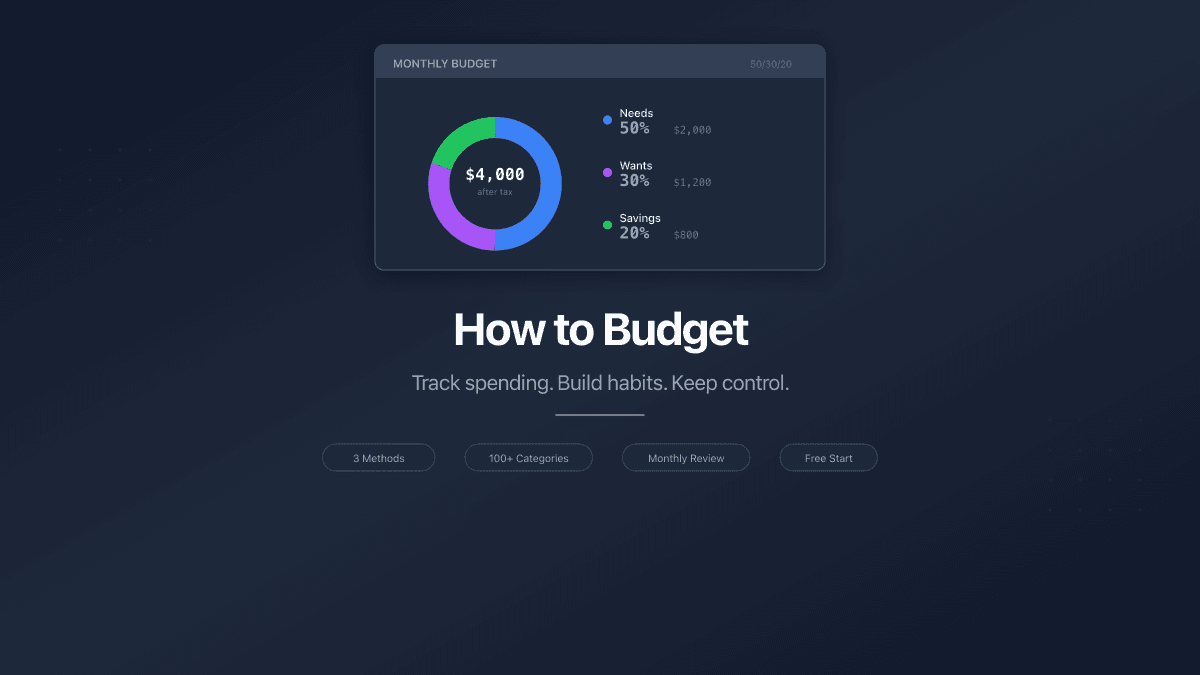
How to Budget - A Complete Beginner's Guide
Learn how to budget with three proven methods, the right expense categories, and tools that work. A practical guide for beginners who want to track spending.
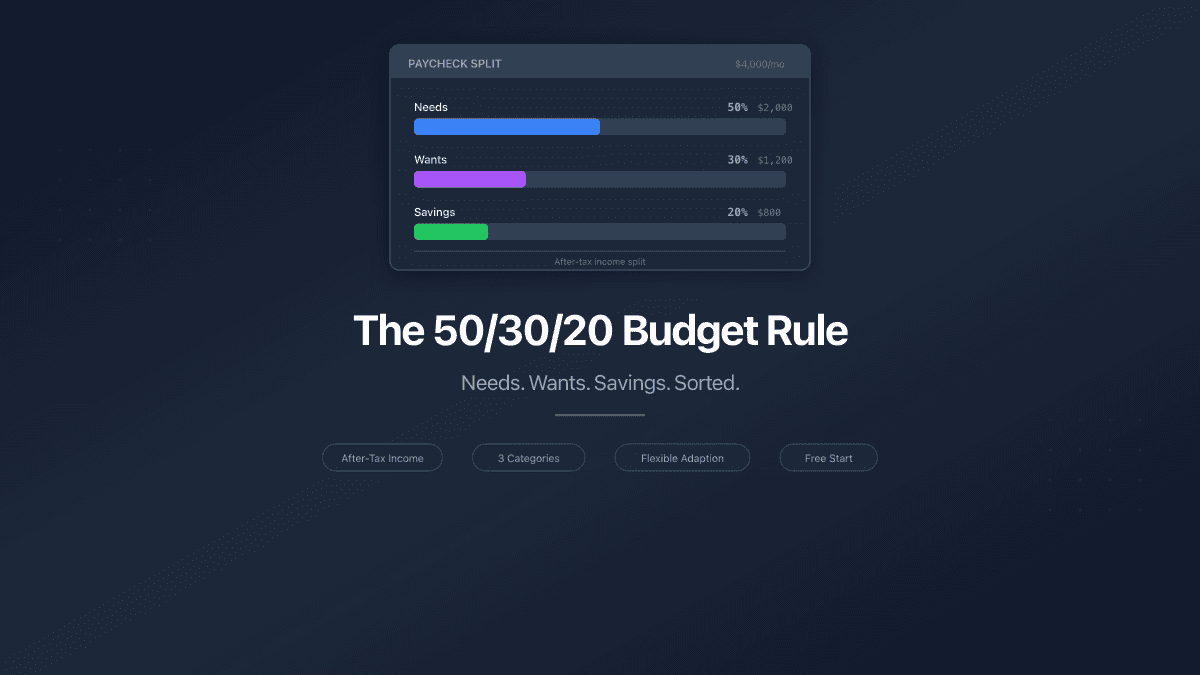
The 50/30/20 Budget Rule - How to Split Your Paycheck
The 50/30/20 budget rule splits after-tax income into needs, wants, and savings. Learn how to apply it, adapt it, and track your split.
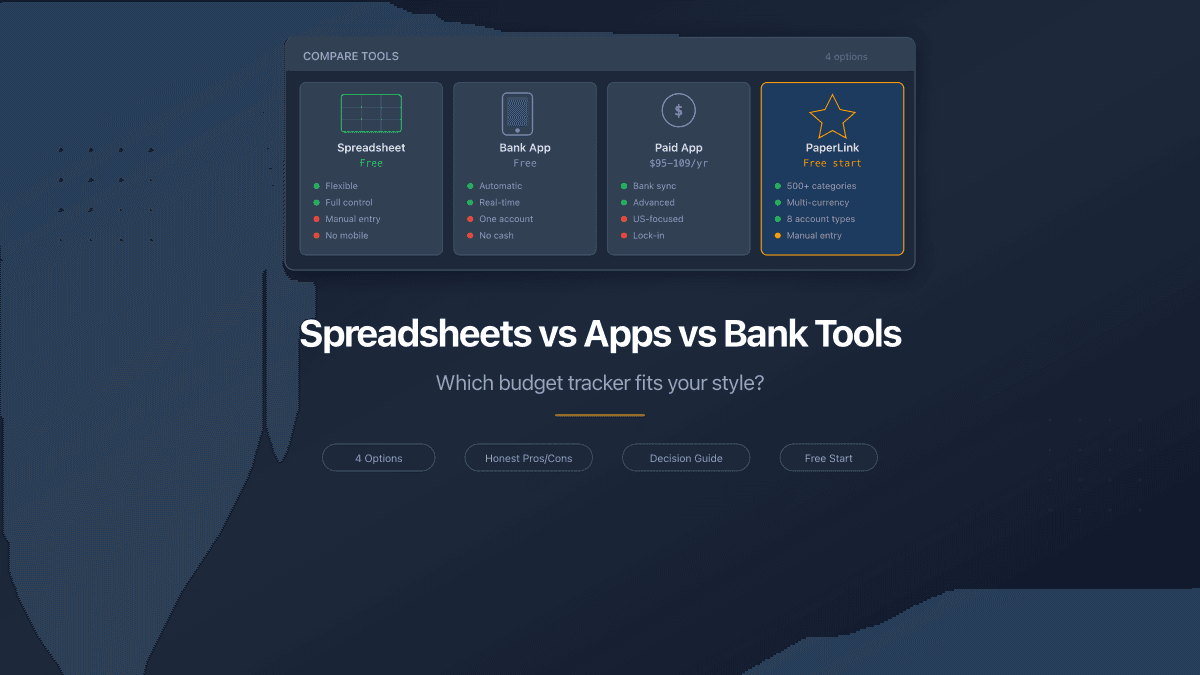
Spreadsheets vs Apps vs Bank Tools - Where to Track Money
Spreadsheets, bank apps, and dedicated budget tools compared honestly. Pros, cons, pricing, and which option fits your situation in 2026.