
Custom Domains for Branded Document Sharing
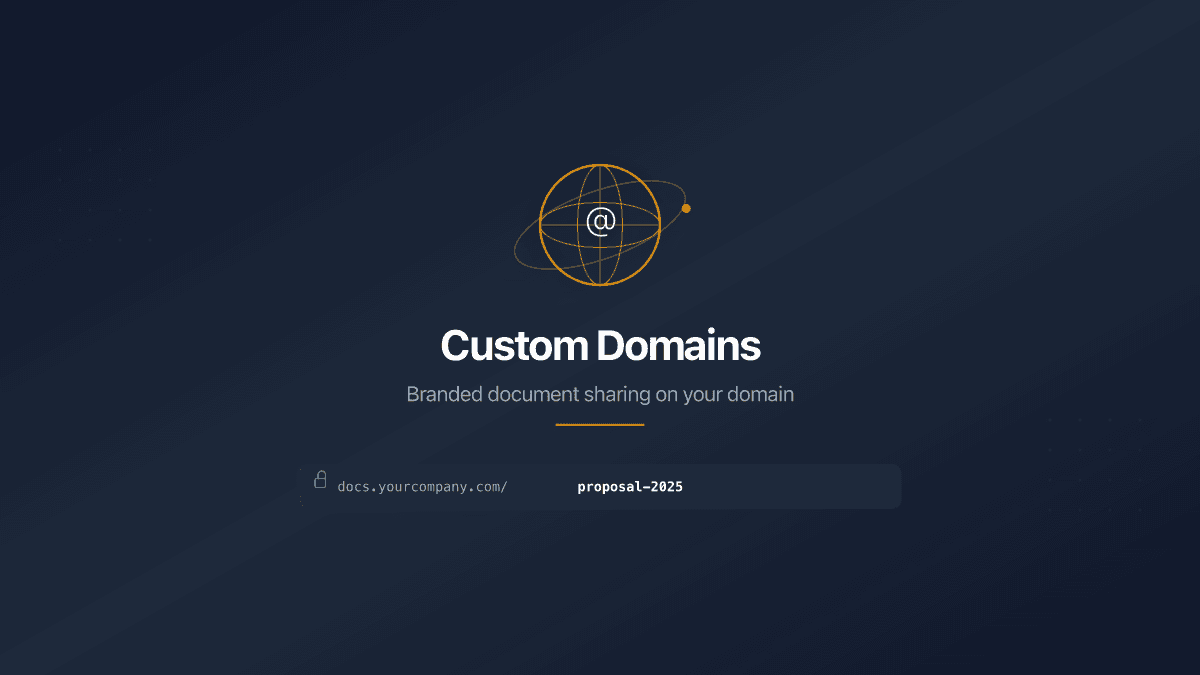
A recipient gets your proposal link. Before clicking, they see the URL: app.someplatform.com/view/cm4x7abc. It signals nothing about you or your company. It looks like a generic SaaS tool - because it is.
Now compare: docs.yourcompany.com/proposal-2025. Same document, same security, same viewer analytics. But the URL carries your brand. The recipient knows the link is legitimate before they open it.
Custom domain document sharing replaces the platform's URL with yours. Every shared link, every folder, every data room - delivered through a domain you own and control.
Why Your Domain Matters for Document Sharing
The URL is the first thing a recipient evaluates. Before they see your document, before they read a single page, they decide whether to trust the link. A branded domain removes friction at that critical moment.
Trust signals are immediate. docs.acme.com/contract-2025 tells the recipient exactly who sent it and what to expect. A generic platform URL does neither.
Brand consistency extends to documents. Your website runs on your domain. Your email comes from your domain. Your shared documents should too. A third-party URL in the middle of a professional workflow breaks the chain.
Link memorability improves. Clients remember docs.acme.com. They do not remember app.someplatform.com/s/k7x2mp3n. When they need to revisit a document weeks later, a branded domain is findable. A random string is not.
Three industries see the strongest results: legal firms sharing contracts and due diligence rooms, consultancies sending proposals, and startups sharing investor decks. In each case, the document represents the company - and the URL should too.
How Custom Domains Work in PaperLink
PaperLink custom domain document sharing connects a subdomain you own - like docs.yourcompany.com or files.yourcompany.com - to your PaperLink workspace. Once connected, all shared links use your domain automatically.
The setup takes about five minutes.
Step 1: Choose Your Subdomain
Pick a subdomain that fits your use case:
| Subdomain | Best for |
|---|---|
docs.yourcompany.com | General document sharing |
files.yourcompany.com | File distribution, data rooms |
share.yourcompany.com | Client-facing proposals and contracts |
investor.yourcompany.com | Fundraising, investor updates |
Use a subdomain, not your root domain. Your main website stays at yourcompany.com. Documents live at docs.yourcompany.com. No conflict, no routing issues.
Step 2: Add a DNS Record
In your DNS provider (Cloudflare, GoDaddy, Namecheap, Route 53 - any provider works), create a CNAME record:
| Type | Name | Value |
|---|---|---|
| CNAME | docs | cname.vercel-dns.com |
The record propagates in seconds to minutes, depending on your DNS provider. No downtime, no interruption to your existing website or email.
Step 3: Verify in PaperLink
Open your team settings, enter the subdomain, and click verify. PaperLink checks your DNS record automatically. When verification passes, the status changes to Verified and your domain is live.
If DNS has not propagated yet, the status shows Pending. Wait a few minutes and verify again. If the CNAME points to the wrong target, the status shows Invalid with a clear message about what to fix.
Step 4: Share Documents
Every new shared link automatically uses your custom domain. Existing links continue to work on the default PaperLink domain - no broken URLs, no disruption.
Your shared links now look like this:
docs.yourcompany.com/proposal-2025
docs.yourcompany.com/investor-deck
docs.yourcompany.com/due-diligence
Pair this with custom URL slugs to control both the domain and the path. The result is a URL you would put on a business card.
Security on Your Domain
A branded domain does not weaken security. Every protection available on the default PaperLink domain works identically on your custom domain:
| Control | How it works |
|---|---|
| Password protection | Viewer enters password before accessing the document |
| Email verification | Viewer confirms their email address to prove identity |
| NDA / agreement gates | Viewer signs a legal agreement before viewing |
| Link expiration | Link stops working after a set date |
| Download permissions | Control whether viewers can download the file or only view online |
| View analytics | Track who opened what, when, and for how long |
SSL certificates are provisioned automatically. Your custom domain serves documents over HTTPS from the moment verification completes. Recipients see the lock icon in their browser - no manual certificate setup required.
Domain verification is scoped to your team. Other PaperLink teams cannot claim a domain you have already verified. One domain, one team.
Custom Domains vs. the Competition
Most document sharing platforms either charge enterprise prices for custom domains or do not offer them at all.
| Platform | Custom domain | Minimum plan | Price |
|---|---|---|---|
| PaperLink | Full custom domain (subdomain) | Business | From $29/mo |
| DocSend | Subdomain only | Enterprise | $250+/mo |
| PandaDoc | Not available | - | - |
| Papermark | Full custom domain | Self-hosted (free) or Business | From $59/mo (hosted) |
DocSend restricts custom domains to its Enterprise tier, which starts at $250 per month and requires annual billing. PandaDoc does not offer custom domains at any tier. Papermark offers custom domains on its free self-hosted version, but that requires managing your own infrastructure - server, database, SSL certificates, updates, security patches.
PaperLink provides custom domain document sharing on the Business plan with zero infrastructure management. Add your DNS record, verify, and share.
Who Uses Custom Domains
Law firms share contracts, NDAs, and due diligence rooms through docs.firmname.com. Clients see a domain they recognize. Opposing counsel sees a professional operation. The data room URL itself signals credibility during M&A transactions.
Consultancies and agencies send proposals, SOWs, and deliverables through share.agencyname.com. When a prospect receives three competing proposals, the one from a branded domain stands apart from generic file-sharing URLs.
Startups raising capital share pitch decks and financial models through investor.startupname.com. Investors receive dozens of decks per week. A branded link in a cold email gets more clicks than an anonymous platform URL - because it looks intentional, not automated.
Real estate firms share property brochures, lease agreements, and commercial listings through docs.brokerage.com. Branded links in listing portals and email campaigns reinforce the brokerage's identity at every touchpoint.
FAQ
Can I use multiple custom domains?
Yes. Each custom domain connects to one team workspace. If you have multiple teams - say, one for client work and another for internal documents - each team can have its own custom domain.
What happens to existing links when I add a custom domain?
Nothing changes. All links created before the custom domain continue to work on the default PaperLink URL. New links use your custom domain by default. No migration, no broken links.
Do I need technical skills to set up a custom domain?
You need access to your DNS provider to add one CNAME record. If you have ever pointed a domain to a website, the process is identical. Most DNS providers have step-by-step guides for adding CNAME records.
Can I remove a custom domain later?
Yes. Removing a custom domain reverts all new links to the default PaperLink domain. Links already shared on the custom domain will stop working, so plan the transition if you have active shared documents.
Does my custom domain affect document analytics?
No. View analytics - page-by-page tracking, time spent, viewer identification - work identically on custom domains and the default domain. The analytics dashboard shows the same data regardless of which domain delivered the document.
Connect Your Domain
Custom domain document sharing takes your shared documents from generic platform URLs to branded, professional links that recipients trust and remember.
Five minutes of DNS setup. Zero ongoing maintenance. Every document you share carries your brand.
Set up your custom domain in your team settings today.
Related articles:
- Custom URL Slugs for Shared Links - choose memorable paths for your branded document URLs
- How to Add a Custom Domain - step-by-step setup guide with DNS provider screenshots
- DocSend vs PaperLink - feature and pricing comparison including custom domains
- Document Viewer Analytics - track engagement on documents shared through your domain
Έτοιμοι να δοκιμάσετε το PaperLink;
Δημιουργήστε τιμολόγια, μοιραστείτε έγγραφα και διαχειριστείτε την επιχείρησή σας — όλα σε ένα μέρος.
Σχετικά άρθρα

Free Expense Tracker Online - No Ads, No Subscriptions
Track expenses across bank accounts, cash, and crypto wallets for free. PaperLink's expense tracker has 100+ categories, multi-currency support, and zero ads.

AI Insights for Document Sharing Analytics
PaperLink now uses AI to analyze your document sharing data and generate actionable business insights - from page engagement patterns to viewer behavior recommendations.
Track Who Viewed Your Shared Documents
PaperLink tracks who viewed your shared documents, which pages they read, how long they spent, and whether they downloaded - with page-by-page analytics.