
Manage Currency Exchange Rates
PaperLink personal accounting supports multiple currencies. The Currencies tab in accounting settings lets you pick a base currency, add foreign currencies, and control exchange rates.
Open Currency Settings
- Click Settings in the sidebar.
- Open the Accounting tab.
- Click the Currencies tab.
Set Your Base Currency
The base currency is the default for all your personal financial accounts. PaperLink shows all exchange rates relative to it (for example, 1 € = 1.08 USD when USD is the base).
- Find the Primary Currency dropdown at the top.
- Select the currency you want as base.
- Click Save.
Add a Currency
You can add any ISO 4217 currency to track its rate against your base currency.
- Open the Add Currency dropdown.
- Select the currency you want.
- The currency appears in the list with its current auto rate.
- Click Save.
Currencies used by your personal financial accounts appear automatically and cannot be removed. You can only remove manually added currencies that no account uses.
Auto and Manual Rates
Each currency has two rate modes:
- Auto - PaperLink fetches the rate daily from an external provider. The rate updates automatically.
- Manual - you enter your own rate. The auto rate stops applying until you switch back.
To set a manual rate, toggle Auto off for that currency and type the rate in the input field. Toggle Auto back on to return to the daily synced rate.
Remove a Currency
Click the ✕ button next to a currency to remove it. This only works for currencies that are not used by any financial account. If a currency is in use, the remove button is disabled.
Filters
When you have many currencies, use the filter bar to narrow the list:
- Group By - organize currencies by company, account type, or show a flat list
- Source - show all currencies, only account-linked, or only manually added
- Rate Type - show all rates, only auto, or only manual overrides
Supported Currencies
PaperLink includes 35 currencies with daily auto rates.
Americas & Europe
| Code | Currency | Symbol |
|---|---|---|
| USD | US Dollar | $ |
| EUR | Euro | € |
| GBP | British Pound | £ |
| CHF | Swiss Franc | Fr |
| CAD | Canadian Dollar | C$ |
| AUD | Australian Dollar | A$ |
| SEK | Swedish Krona | kr |
| NOK | Norwegian Krone | kr |
| DKK | Danish Krone | kr |
| PLN | Polish Zloty | zł |
| CZK | Czech Koruna | Kč |
| HUF | Hungarian Forint | Ft |
| RON | Romanian Leu | lei |
| BGN | Bulgarian Lev | лв |
| UAH | Ukrainian Hryvnia | ₴ |
| MXN | Mexican Peso | Mex$ |
| BRL | Brazilian Real | R$ |
| TRY | Turkish Lira | ₺ |
Middle East, Asia & Africa
| Code | Currency | Symbol |
|---|---|---|
| ILS | Israeli New Shekel | ₪ |
| AED | UAE Dirham | د.إ |
| SAR | Saudi Riyal | ر.س |
| EGP | Egyptian Pound | E£ |
| MAD | Moroccan Dirham | د.م. |
| INR | Indian Rupee | ₹ |
| SGD | Singapore Dollar | S$ |
| ZAR | South African Rand | R |
| NGN | Nigerian Naira | ₦ |
| GHS | Ghanaian Cedi | ₵ |
| KES | Kenyan Shilling | KSh |
| TZS | Tanzanian Shilling | TSh |
| UGX | Ugandan Shilling | USh |
| RWF | Rwandan Franc | FRw |
| ETB | Ethiopian Birr | Br |
| XAF | Central African CFA Franc | FCFA |
| XOF | West African CFA Franc | CFA |
Related
- Manage Company Currencies - currency settings for company accounts
- Add a Financial Account - create bank, cash, crypto, and other accounts
- Manage Transaction Categories - add, edit, and organize income and expense categories
- Reset Personal Accounting Data - bulk delete transactions, categories, and accounts
War dieser Artikel hilfreich?
Brauchen Sie mehr Hilfe?
Durchsuchen Sie unser Hilfezentrum oder kontaktieren Sie unser Team für persönliche Unterstützung.
Verwandte Artikel
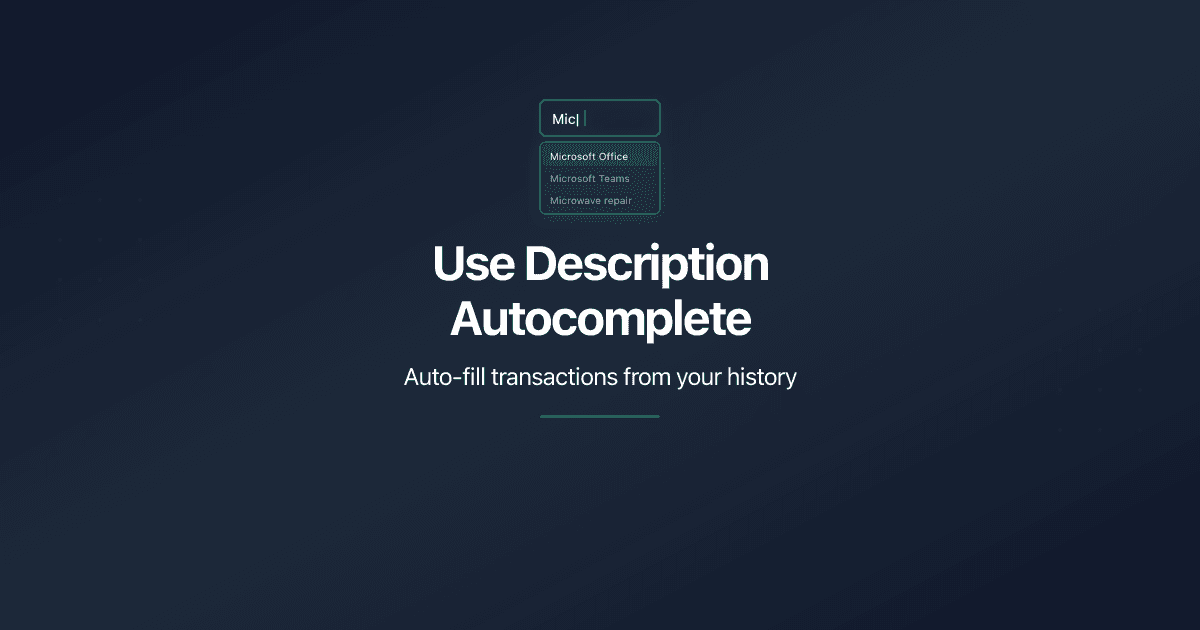
Use Description Autocomplete
Speed up transaction entry with description autocomplete in PaperLink. Type 2 characters to see suggestions from past transactions, then auto-fill account, amount, and category.
Reset Personal Accounting Data
How to delete transactions, categories, and financial accounts in PaperLink personal accounting. What each reset action does and what it removes.
Manage Transaction Categories
How to add, edit, and delete income and expense categories in PaperLink personal accounting. Default categories, system Uncategorized, and tree structure.
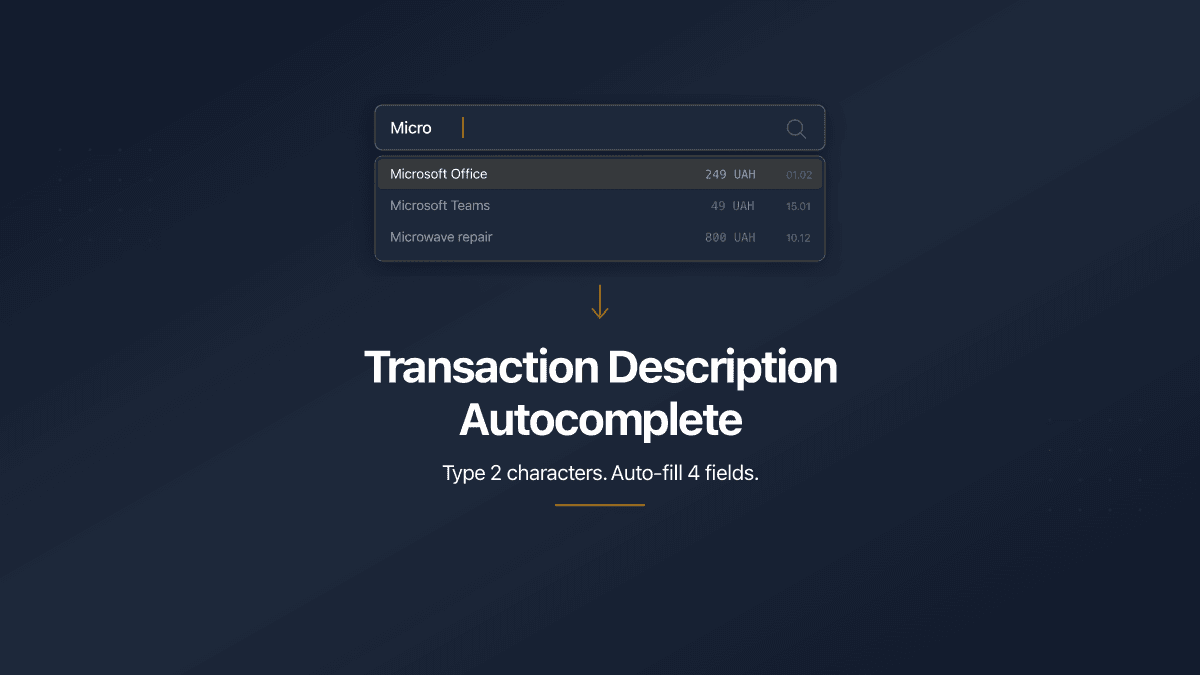
Transaction Description Autocomplete
PaperLink now auto-fills transaction forms from your history. Type 2 characters, pick a suggestion, and the description, account, amount, and category fill in automatically.